38
Using the PROGRAM AE function
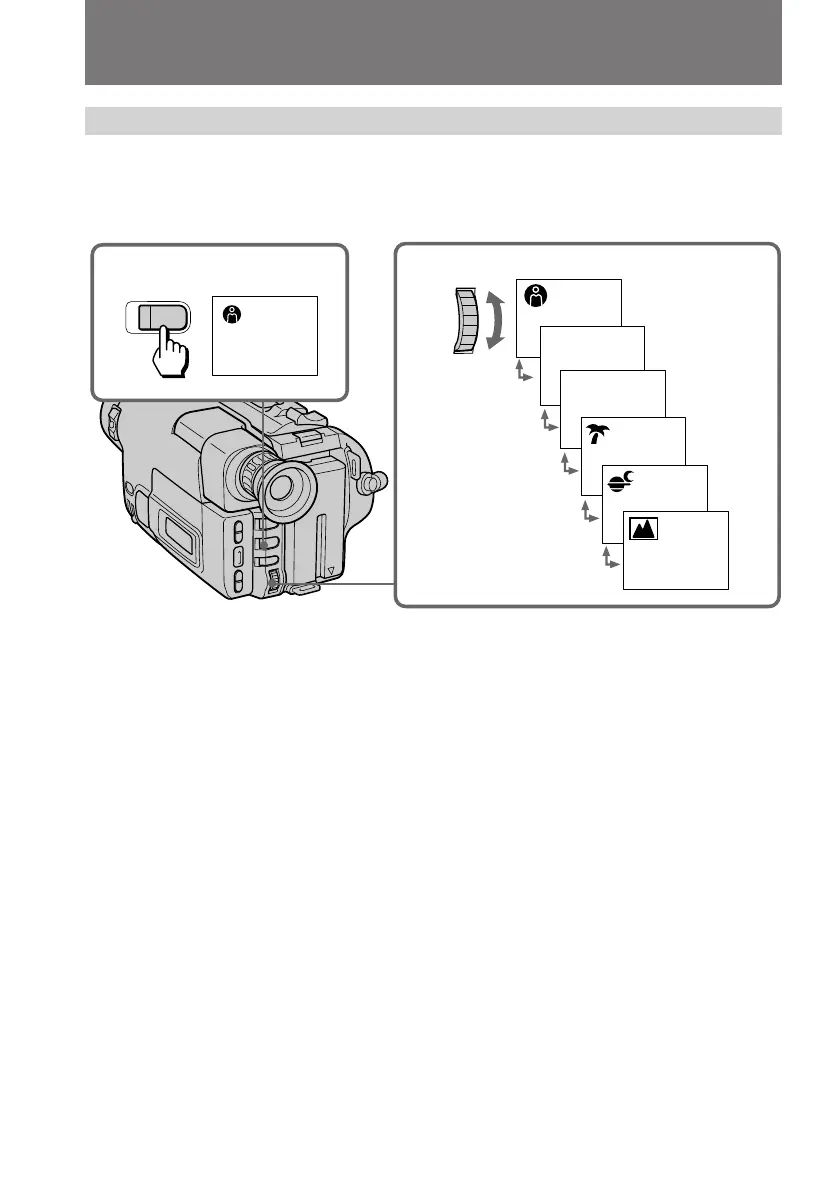
(1) Press PROGRAM AE.
(2) Turn the control dial to select the desired PROGRAM AE mode.
To turn off program AE
Press PROGRAM AE.
Notes on focus setting
• In the Spotlight, Sports lesson and Beach & Ski modes, you cannot take close-ups
because the camcorder is set to focus only on subjects in the middle to far distance.
• In the Sunset & Moon and Landscape modes, the camcorder is set to focus only on
distant subjects.
Note on PROGRAM AE
You can adjust the exposure while recording using PROGRAM AE mode.
Using the PROGRAM AE function
2
a
A
1
PROGRAM
AE
SEL/
PUSH
EXEC



 To Next Page