25
Recording
– Basics
Recording a picture
Shooting backlit subjects – BACK LIGHT
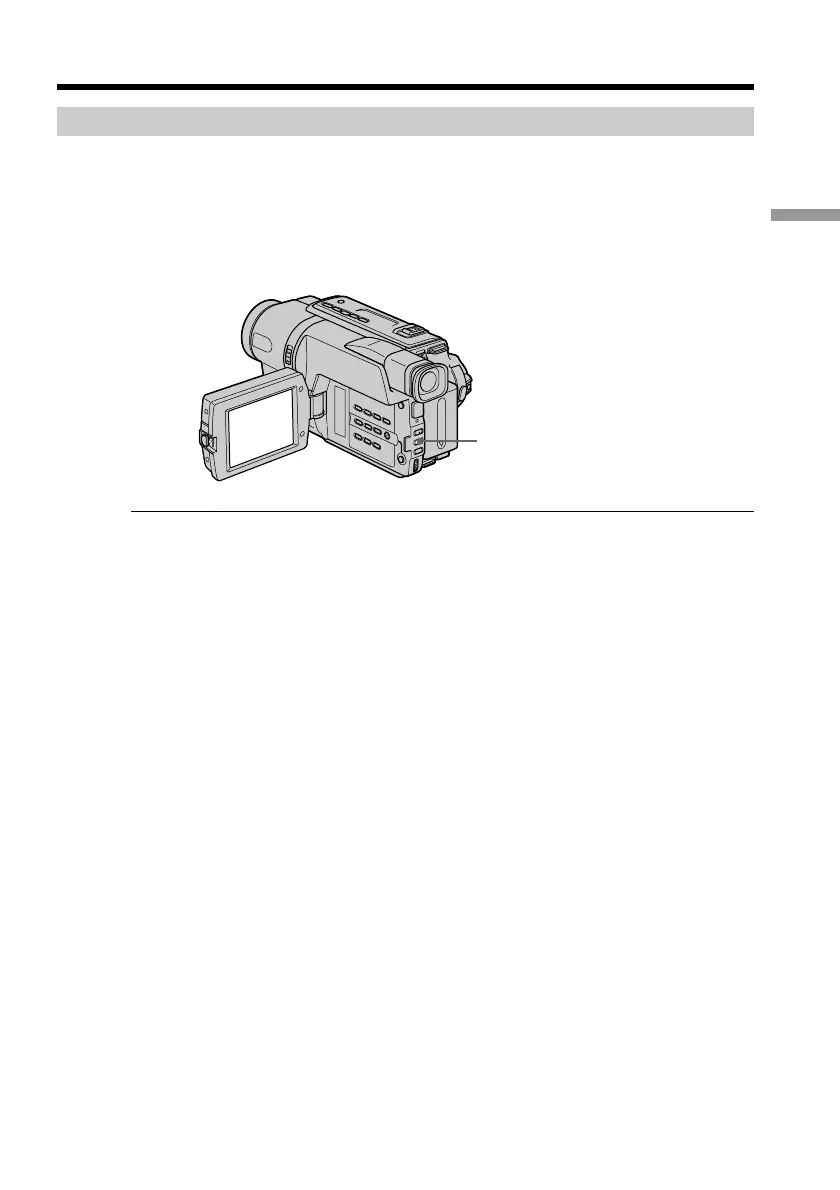
When you shoot a subject with the light source behind the subject or a subject with a
light background, use the backlight function.
Press BACK LIGHT in CAMERA mode.
The . indicator appears on the screen.
To cancel, press BACK LIGHT again.
If you press EXPOSURE when shooting backlit subjects
The backlight function will be canceled.
BACK LIGHT



 To Next Page
 Loading...










