53
Editing
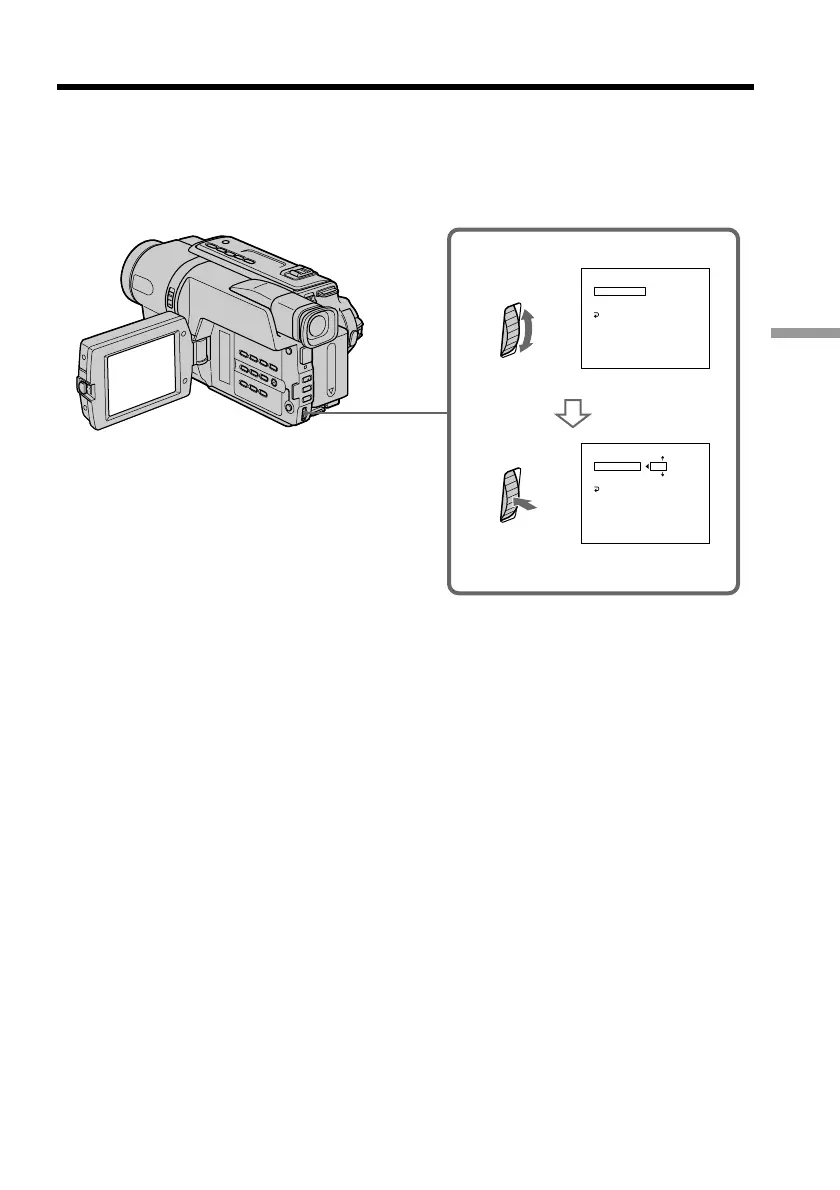
(2) Setting the IR SETUP code
1 Turn the SEL/PUSH EXEC dial to select IR SETUP, then press the dial.
2 Turn the SEL/PUSH EXEC dial to select the IR SETUP code of your VCR,
then press the dial.
Check the code in “About the IR SETUP code” (p. 54).
Dubbing a tape easily – Easy Dubbing
[
E A Y D U B
]
S
:
END
EASY DUBBING
SETUP
I R SETUP
PAUSE MODE
I R TEST
RETURN
3
00:00:0
EASY DUBBING
SETUP
I R SETUP
PAUSE MODE
I R TEST
RETURN
3
00:00:0
NORMAL
NORMAL
1
[
E A Y D U B
]
S
:
END


 To Next Page
 Loading...










