28
You can use this button to record a picture from the last recorded scene successively.
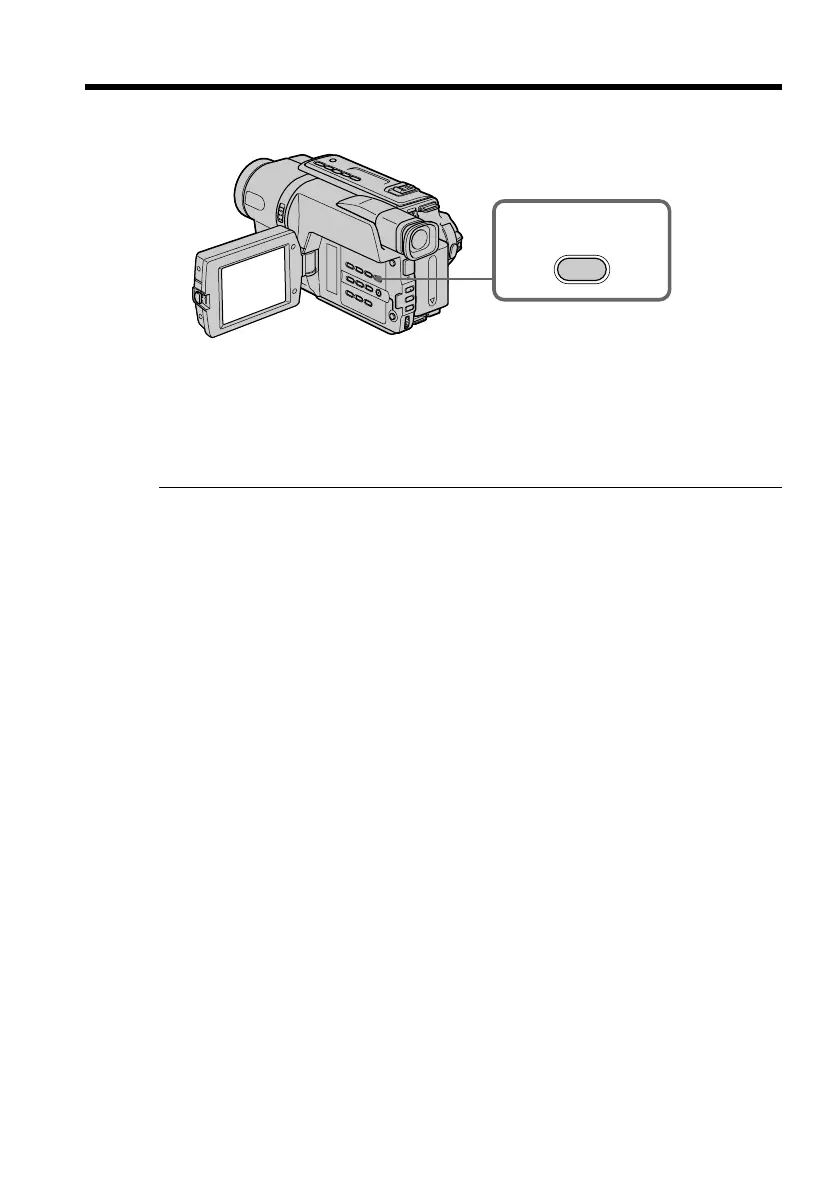
You can go to the end of the recorded section after you record.
Press END SEARCH in CAMERA mode.
The last 5 seconds of the recorded section are played back and returns to the standby
mode. You can monitor the sound from the speaker.
Notes
•If you start recording after using the end search function, occasionally, the transition
between the last scene you recorded and the next scene may not be smooth.
•Once you eject the cassette after you have recorded on the tape, the end search
function does not work.
END
SEARCH
Checking the recording – END SEARCH



 To Next Page
 Loading...










