51
Editing
Dubbing a tape easily – Easy Dubbing
VCR operation for dubbing can be controlled easily by using your camcorder when the
VCR is connected.
You can select one of eight preset titles and two custom titles stored in your camcorder
as instructed in “Making your own titles” (p. 44). Select the desired color, size, and
background color of titles.
Using the Easy Dubbing function
Step 1 Connecting the VCR (p. 51).
Step 2 Setting the VCR to operate with your camcorder (p. 52 to 55).
Step 3 Selecting the title (p. 56).
Step 4 Selecting the dubbing mode (p. 57).
Step 5 Performing Easy Dubbing (p. 58).
If you dub using the same VCR again, you can skip step 2.
If you do not need to put in a title, you can skip step 3.
Step 1: Connecting the VCR
Connect the devices as illustrated in page 49.
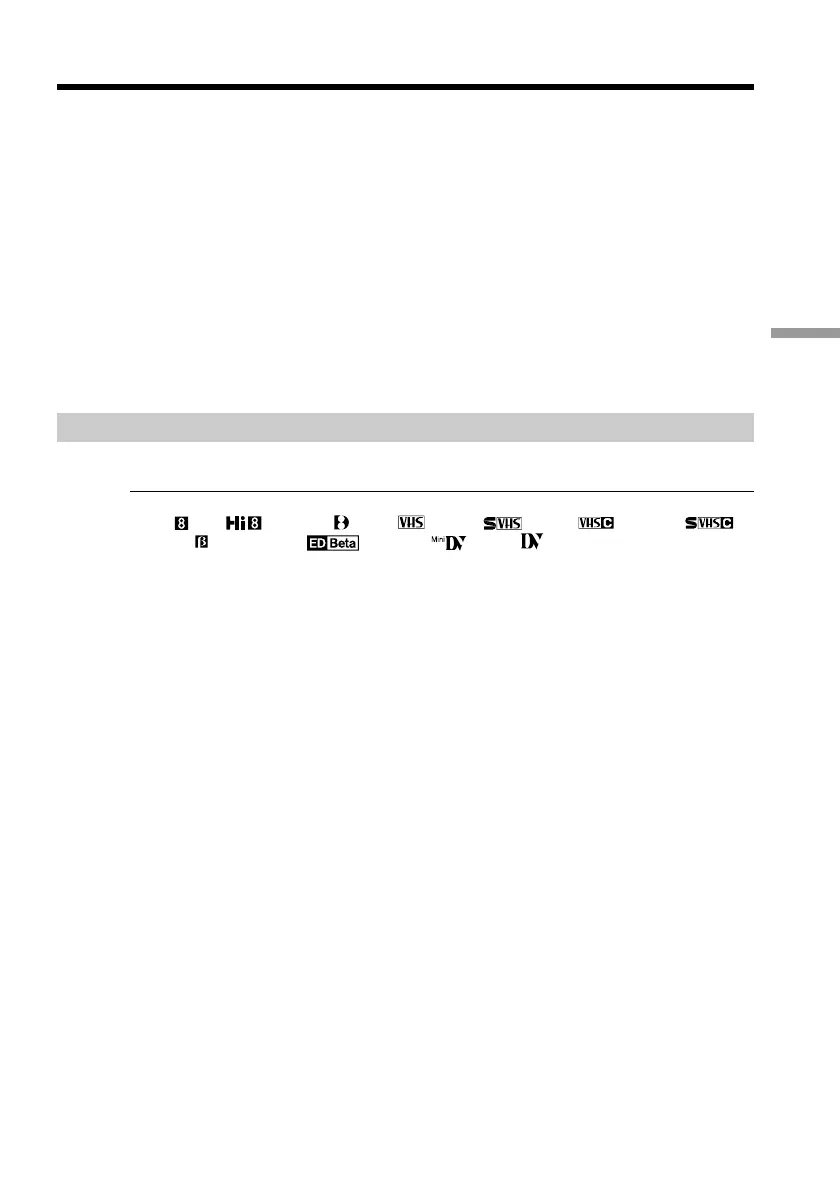
You can edit on VCRs that support the following systems:
8 mm , Hi8 , Digital 8 , VHS , S-VHS , VHSC , S-VHSC ,
Betamax , ED Betamax , mini DV , or DV
If your VCR has an S video jack
Connect using an S video cable (optional) to obtain optimum quality screen images.
With this connection, you do not need to connect the yellow (video) plug of the A/V
connecting cable.
Connect an S video cable (optional) to the S video jacks of both your camcorder and the
VCR.



 To Next Page
 Loading...










