EasyManua.ls Logo

Sony CDP-X339ES - Page 23

Sony CDP-X339ES
40 pages
Print Icon
To Next Page IconTo Next Page
To Previous Page IconTo Previous Page
Loading...
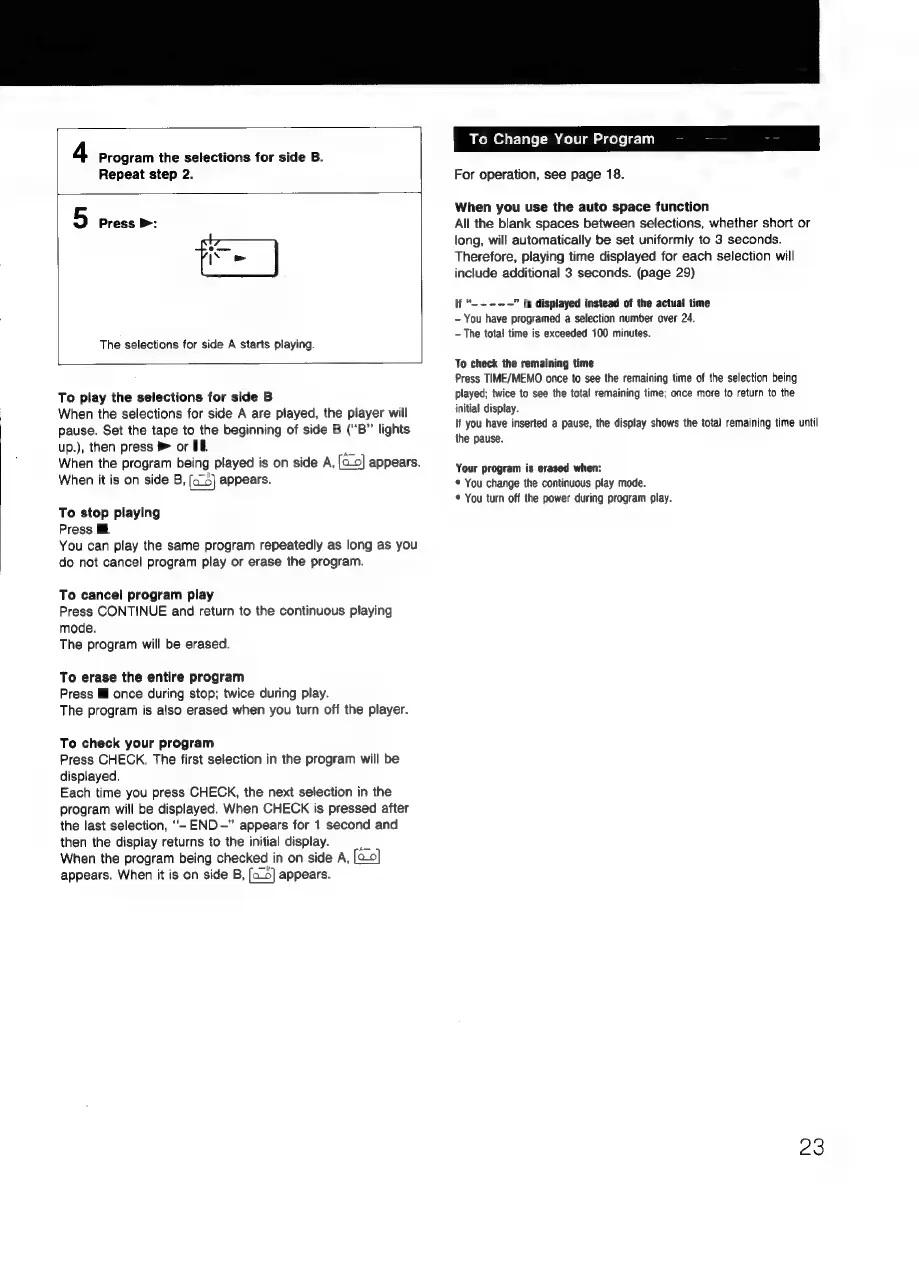
4
Program
the
selections
for
side
B.
Repeat
step
2.
5
Press
>:
The
selections
for
side
A
starts
playing.
To
play
the
selections
for
side
B
When
the
selections
for
side
A
are
played,
the
player
will
pause.
Set
the
tape
to
the
beginning
of
side
B
(“B”
lights
up.),
then
press
®
or
IE
When
the
program
being
played
is
on
side
A,
ao
appears.
When
it
is
on
side
B,
[ac]
appears.
To
stop
playing
Press
You
can
play
the
same
program
repeatedly
as
long
as
you
do
not
cancel
program
play
or
erase
the
program.
To
cancel
program
play
Press
CONTINUE
and
return
to
the
continuous
playing
mode.
The
program
will
be
erased.
To
erase
the
entire
program
Press
Ml
once
during
stop;
twice
during
play.
The
program
is
also
erased
when
you
turn
off
the
player.
To
check
your
program
Press
CHECK.
The
first
selection
in
the
program
will
be
displayed.
Each
time
you
press
CHECK,
the
next
selection
in
the
program
will
be
displayed.
When
CHECK
is
pressed
after
the
last
selection,
““-
END
-”
appears
for
1
second
and
then
the
display
returns
to
the
initial
display.
a
When
the
program
being
checked
in
on
side
A,
[2]
appears.
When
it
is
on
side
B,
{as}
appears.
o
Change
Your
Program
For
operation,
see
page
18.
When
you
use
the
auto
space
function
All
the
blank
spaces
between
selections,
whether
short
or
long,
will
automatically
be
set
uniformly
to
3
seconds.
Therefore,
playing
time
displayed
for
each
selection
will
include
additional
3
seconds.
(page
29)
ad
is
displayed
instead
of
the
actual
time
-
You
have
programed
a
selection
number
over
24.
-
The
total
time
is
exceeded
100
minutes.
To
check
the
remaining
time
Press
TIME/MEMO
once
to
see
the
remaining
time
of
the
selection
being
played;
twice
to
see
the
total
remaining
time;
once
more
to
return
to
the
initial
display.
If
you
have
inserted
a
pause,
the
display
shows
the
total
remaining
time
until
the
pause.
Your
program
is
erased
when:
*
You
change
the
continuous
play
mode.
*
You
turn
off
the
power
during
program
play.
23

Related product manuals