EasyManua.ls Logo

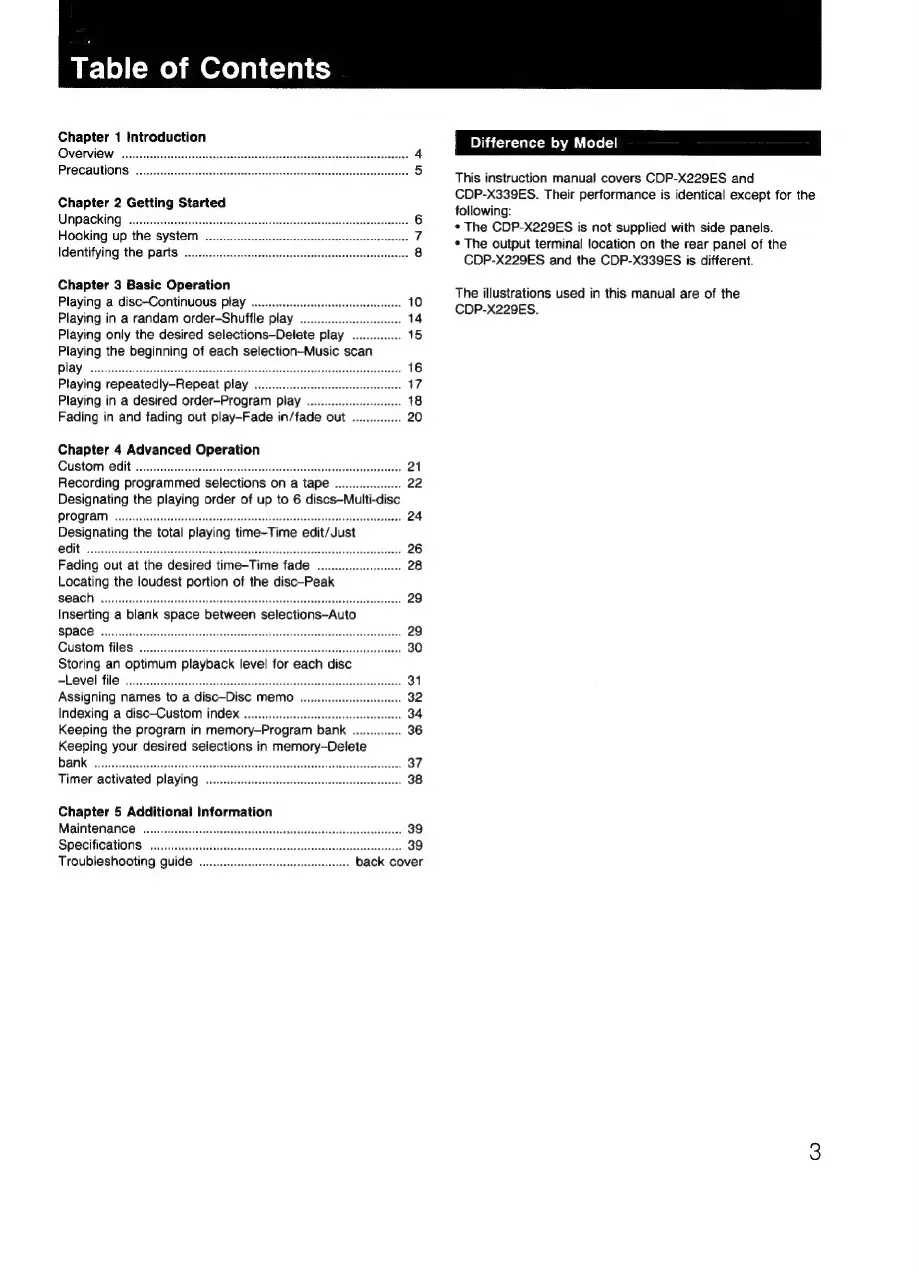
Sony CDP-X339ES - default chapter; Table of Contents

Sony CDP-X339ES
40 pages
Print Icon
To Next Page IconTo Next Page
To Previous Page IconTo Previous Page
Loading...
Table
of
Contents
Chapter
1
Introduction
Overview
Precautions
.
Chapter
2
Getting
Started
UAPACKING
ssicesencsssbecncdesesstbvcnctesetseustaeles
cos,
veadecbecrtese
eeectees agensaee
Hooking
up
the
system
..
Identifying
the
parts
Chapter
3
Basic
Operation
Playing
a
disc-Continuous
play
Playing
in
a
randam
order-Shuffle
play
....
ioe
Playing
only
the
desired
selections—Delete
play.
..............
15
Playing
the
beginning
of
each
selection—-Music
scan
PLAY!
wes
Sitcives
elas
nceats
Wate
sstsaseseatec
nvearsnvisbuettensesivetentapned
Mead
Playing
repeatedly-Repeat
play
ie
Playing
in
a
desired
order—Program
play
..
Fading
in
and
fading
out
play-Fade
in/fade
out
...
Chapter
4
Advanced
Operation
Custom
edit
Recording
programmed
selections
on
a
tape
....
Designating
the
playing
order
of
up
to
6
discs—Multi
POOOTAI,
cs
cadiatr
densi
gaiaaae
Am
dein
mategg
nh
meiarieens
Designating
the
total
playing
time-Time
edit/Just
Fading
out
at
the
desired
time-Time
fade
..
Locating
the
loudest
portion
of
the
disc-Peak
SQ
ACH:
Svcs
vets
cise
actieynveicsse
accessed
canael
Svante
nevaeaeetinciaa
29
Inserting
a
blank
space
between
selections—Auto
SPOCS:
sais
eiceesle
espe
eat
aah
cclidecntue
ntuatoceeeddeceeavts
29
GUStOM:
TOS?
oc.
cccscaicotsiconenscondsccurscosnsvcodebsdaunsstsnbecuinnsiseestsssis
30
Storing
an
optimum
playback
level
for
each
disc
PEOVOE
TNE?
sits,
netecsaisecartolonsaeininca
gaan
hnadnaaunm
i
qooncnek
Assigning
names
to
a
disc—Disc
memo
....
Indexing
a
disc-Custom
index
Keeping
the
program
in
memory-Program
bank
...
Keeping
your
desired
selections
in
memory—Delete
bank
Timer
activated
playing
..
Chapter
5
Additional
Information
Maintenance
Specifications
....
Troubleshooting
guide
....
...
back
cover
Difference
by
Model
This
instruction
manual
covers
CDP-X229ES
and
CDP-X339ES.
Their
performance
is
identical
except
for
the
following:
*
The
CDP-X229ES
is
not
supplied
with
side
panels.
*
The
output
terminal
location
on
the
rear
panel
of
the
CDP-X229ES
and
the
CDP-X339ES
is
different.
The
illustrations
used
in
this
manual
are
of
the
CDP-X229ES.

Related product manuals