7
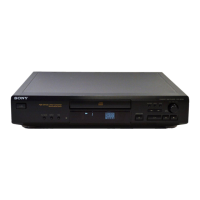
CDP-XE570
SECTION 3
DISASSEMBLY
Note : Follow the disassembly procedure in the numerical order given.
3-1. LOADING PANEL
• In order to remove the front panel block when the power supply
does not turn on, rotate the cam with tapering driver as the figure
shows, and the loading part will be moved.
Then pull out the loading part by your hand to remove the loading
panel as the figure shows. After that take out the front panel block.
3-2. BASE UNIT (BU-5BD27)
Tapering driver
Loading part
Loading panel
4 Remove the Base unit
(BU-5BD27) to the direction
of arrow.
1 Turn the cam to the direction of
arrow (counter clock wise) by
tapering driver.
2 Take off the tray.
3 Screw (DIA. 12), floating
BU-5BD27



 To Next Page