19
To cancel Jump mode
Press (BACK) or (SEEK) –.
Note
If no operation is performed for 7 seconds, the Jump
mode is canceled.
Searching by alphabetical order
— Alphabet search
When an iPod is connected to the unit, you can
search for a desired item alphabetically.
1 Press (SEEK) + in Quick-BrowZer
mode.
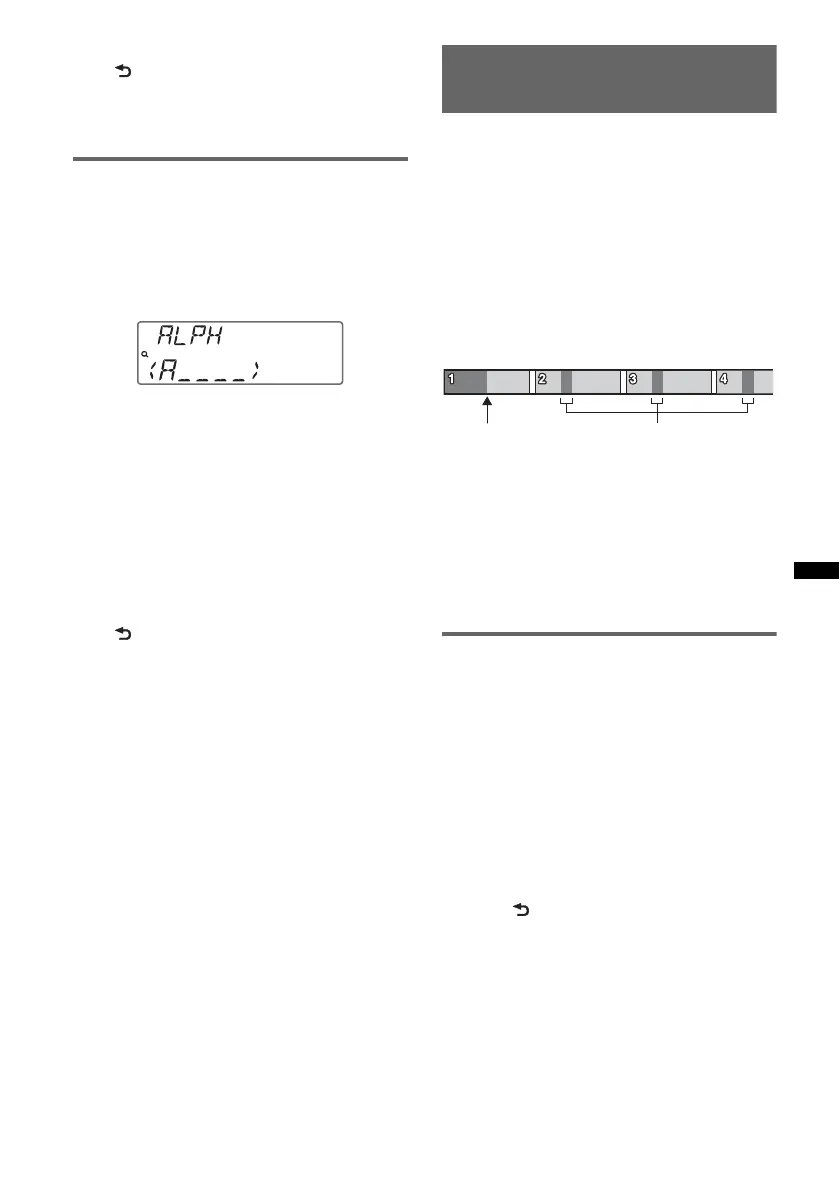
An alphabetical list appears.
2 Rotate the control dial to select the
first letter of the desired item, then
press it.
A list of items beginning with the selected
letter appears in alphabetical order.
If there is no song beginning with the selected
letter, “NOT FOUND” appears.
3 Rotate the control dial to select the
desired item, then press it.
Playback starts if the selected item is a track.
To cancel Alphabet search
Press (BACK) or (SEEK) –.
A list of the search categories appears.
Notes
• In Alphabet search, a symbol or article (a/an/the)
before the selected letter of the item is excluded.
• Depending on the search item you select, only Jump
mode may be available.
• If no operation is performed for 5 seconds, Alphabet
search is canceled.
• Alphabet search may take some time, depending on
the amount of tracks.
Searching a track by listening
to track passages — ZAPPIN™
While playing back short track passages in a CD
or USB device in sequence, you can search for a
track you want to listen to.
ZAPPIN mode is suitable for searching for a
track in shuffle or shuffle repeat mode.
1 Press ( Z AP) during playback.
After “ZAPPIN” appears in the display,
playback starts from a passage of the next
track.
The passage is played for the set time, then a
click sounds and the next passage starts.
2 Press the select button or (ZAP) when
a track you want to listen is played
back.
The track that you select returns to normal
play mode from the beginning.
To search a track by ZAPPIN mode again,
repeat steps 1 and 2.
In the case of “SensMe™
channels” playback
If the track being searched is transfered by
“Content Transfer,” the most melodic or
rhythmical sections* of tracks are played. For
details on the SensMe™ function, see page 14.
* May not be detected correctly.
Tips
• You can select the playback time from about 6
seconds/15 seconds/30 seconds (page 25). You
cannot select the passage of the track to playback.
• Press (SEEK) +/– in ZAPPIN mode to skip a track.
• Press (1)/(2) (ALBUM –/+) in ZAPPIN mode to skip
album.
• Pressing (BACK) also confirms a track to
playback.
The part of each track to
playback in ZAPPIN mode.
Track
(ZAP) pressed.



 To Next Page