27
Settings on the audio
reception
DAB can contain multi-channel audio. You can
select main or sub-channel for reception. Also,
if you turn on the DRC (Dynamic Range
Control) function, the dynamic range on the
service which supports DRC can automatically
be extended.
The following items can be set:
•Main/Sub — to selects chennel between
“Main”(main-cannel) and “Sub”(sub-cannel).
•DRC — to turn on or off the function.
1 While listening to a DAB programme,
press (MENU).
2 Press M or m repeatedly until “DRC” or
“Main (or Sub)” appears.
3 Press < or , to select the desired
setting (Example: “on” or “off” ).
4 Press (ENTER).
Note
“Main (or Sub)” appears in the menu only when
the unit is receiving a multi-channel programme.
Locating a DAB service by
programme type (PTY)
You can use the PTY (Programme type
selection) function to tune in the programme
you want.
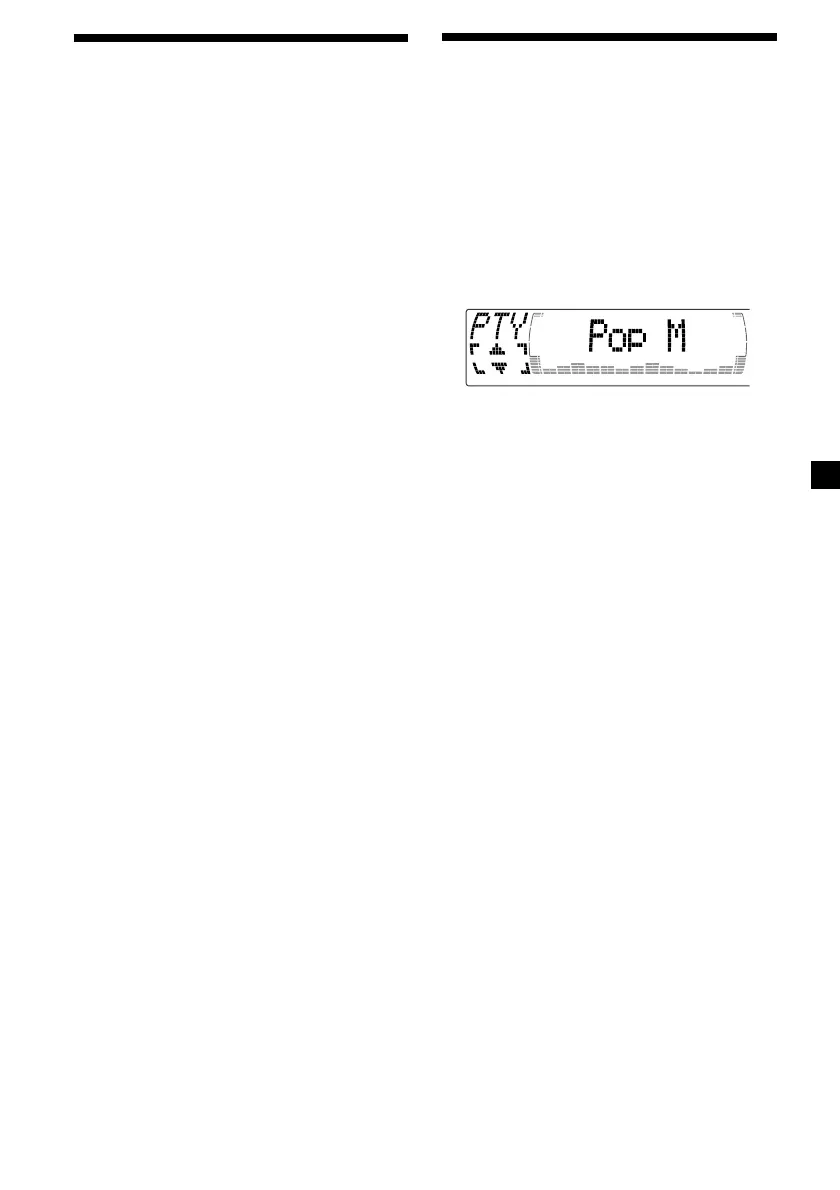
1 While listening to a DAB programme,
press (DSPL/PTY).
2 Press M or m repeatedly to select the
programme type.
The programme types appear in the order
shown on the page 22.
3 Press (ENTER).



 To Next Page