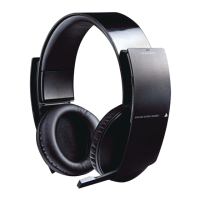
REAR
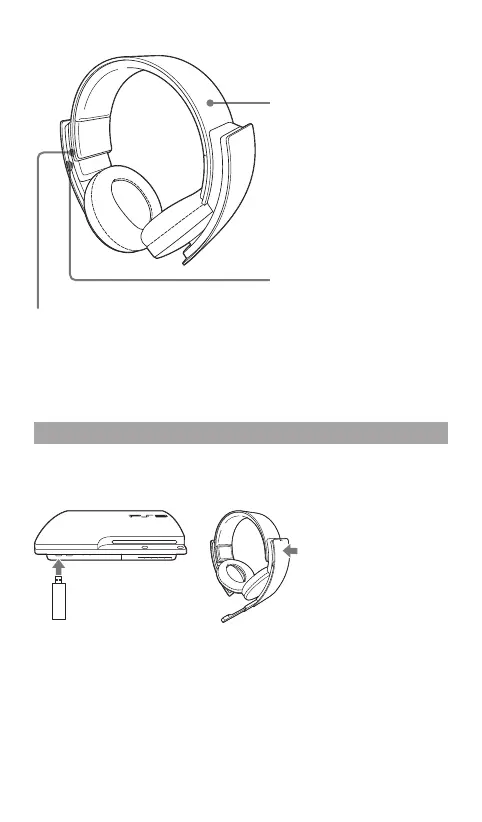
USB connector
Connect to a supported USB device to
charge the headset. (Type A - mini-B USB
cable sold separately.)
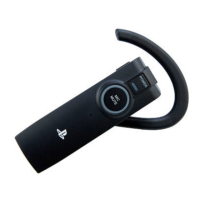
Headband
Slide the headband to adjust
the fit to your head.
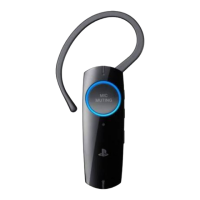
VOLUME slider
Adjusts the volume of the
headset.
Using the headset with the PS3™ system
Compatible with PS3™ system software version 3.70 or later. Only one
headset at a time can be used with the PS3™ system.
To turn the power on or
off, push and hold down
the POWER/MIC
MUTING button for at
least one second.
Insert the wireless
adaptor into a USB
connector.
Status display
When the headset is used with a PS3™ system, the following status
information is displayed in the upper right corner of the screen:


 To Next Page