Hints
ˎ The headset is not guaranteed to work with every PC that has a USB
connector.
ˎ The VIRTUAL SURROUND ON/OFF button and mixer slider can be
used only when the headset is connected to a PS3™ system.
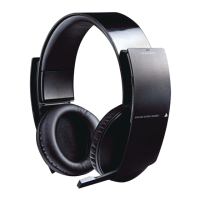
Resetting the headset
If the headset does not respond when you try to operate it, reset it by
doing the following:
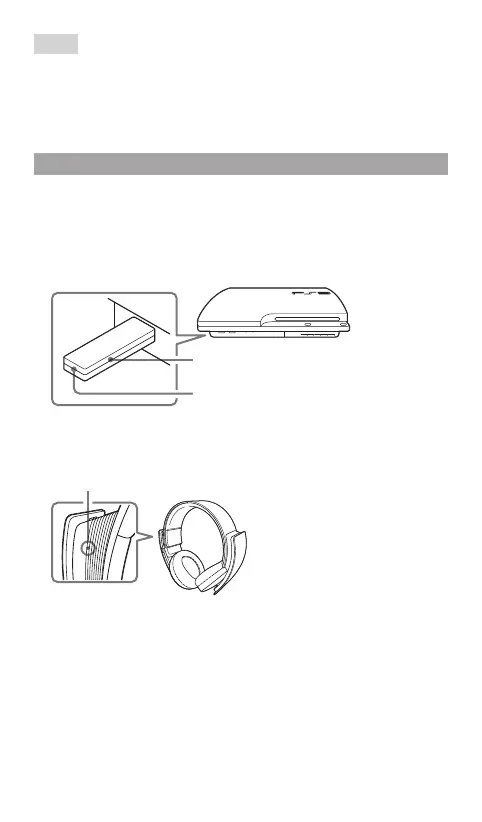
1 With the wireless adaptor connected to the PS3™ system, insert a
small pin or similar object into the hole for the reset button and
press down for at least one second.
Reset button
Status indicator
2 Insert a small pin or similar object into the hole for the reset
button on the headset and press down for at least one second.
Reset button
3 Press and hold the POWER/MIC MUTING button for at least five
seconds.
When the reset is complete, the headset and wireless adaptor will be
connected.


 To Next Page