42
Muting/unmuting the microphone [F12]
You can mute/unmute the phone during a call directly, without using
the Sounds menu, by pushing and holding
. You can also mute/
unmute the microphone during a call using the Sounds menu. This
feature is disabled in standby mode.
1 During a call, push to select
“Sounds” from the Features
menu.
The Sounds menu appears.
2
Push to select “Mute/UnMute”.
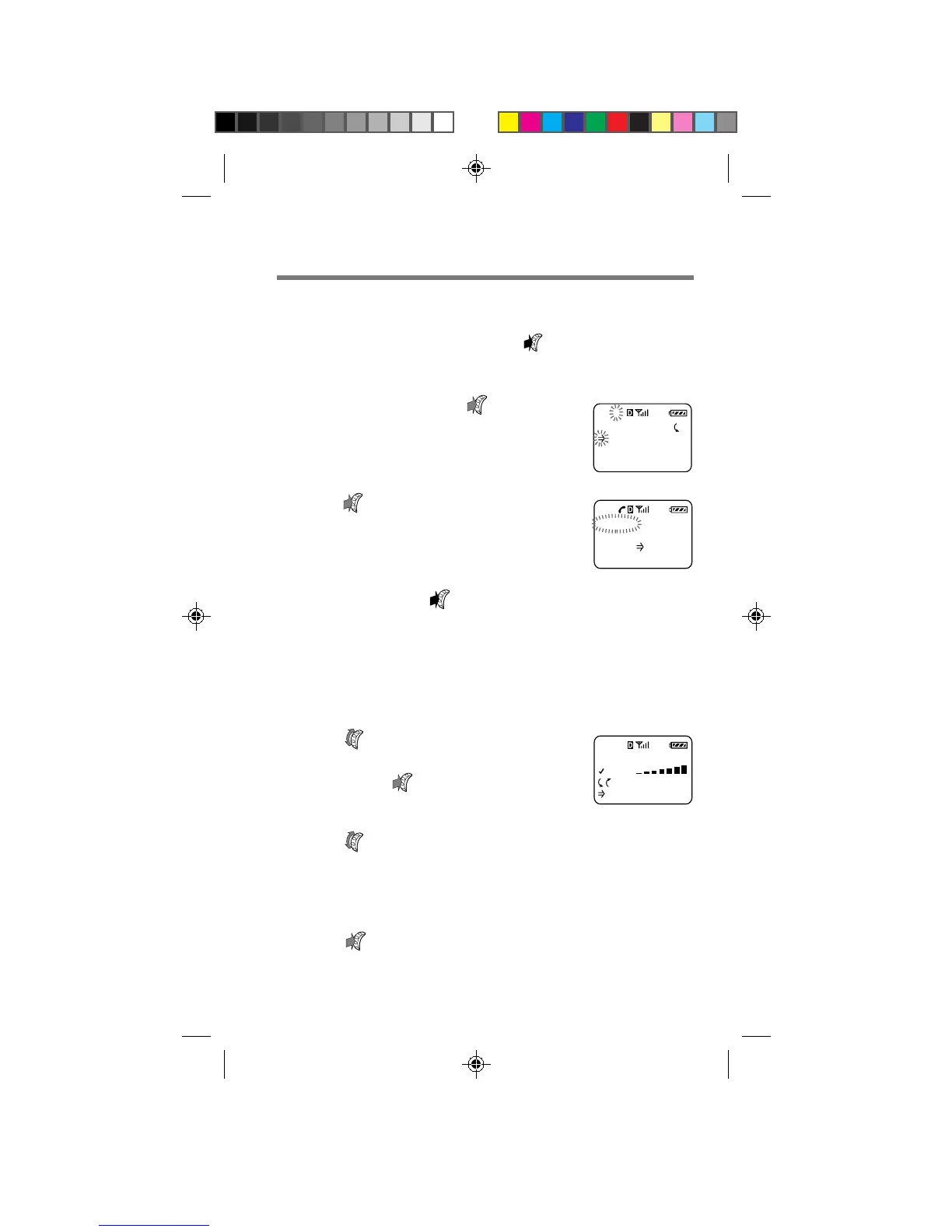
The following display appears. Now the
microphone is muted.
3 To unmute the microphone,
push and hold
for one second.
The Features menu appears for a moment
and the microphone is now unmuted.
Adjusting the keybeep volume [F13]
You can adjust the volume of the beep that sounds when you press a button.
1 Turn to select “Keybeep
Vol” from the Sounds menu,
then push
.
The Keybeep Vol menu appears.
2 Turn up to raise the keybeep volume, and
down to lower it.
You can select from four keybeep volume settings: “off”,
“low”, “med.” (medium) and “high”.
3 Push to enter the new setting.
The standby display reappears.
MUTED: 1:21
Hold down
to (un)mute
FEATURES
Sounds
Timers
Directory
F-1
KEYBEEP VOL
HIGH
:Choices
:To Set
F13
B2200 39-55draft3 8/21/98, 12:13 PM42



 To Next Page