43
Advanced
Features
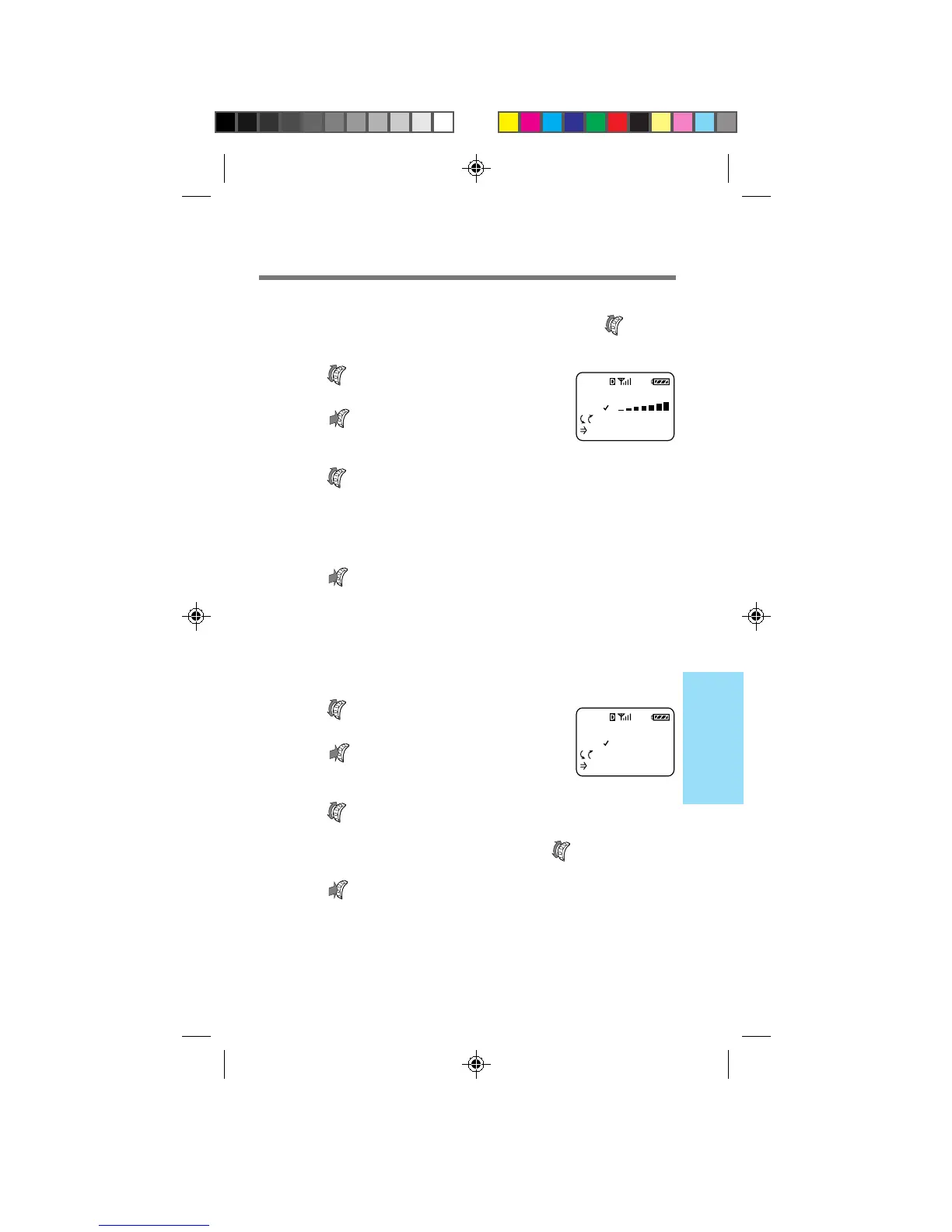
Adjusting the earpiece volume [F14]
You can adjust the earpiece volume during a call by turning . You
can also adjust the speaker volume using the Sounds menu.
1 Turn to select “Earpiece Vol”
from the Sounds menu, then
push
.
The Earpiece Vol menu appears.
2 Turn up to raise the earpiece volume,
and down to lower it.
You can select from seven earpiece volume settings, from
“1” to “7”. A higher number indicates higher volume.
3 Push to enter the new setting.
The standby display reappears.
Setting the ringer type [F15]
You can set the type of beep that sounds for an incoming call.
1 Turn to select “Ringer Type”
from the Sounds menu, then
push
.
The Ringer Type menu appears.
2 Turn to select the ringer type.
You can select from five different ringer settings.
The ringer sounds every time you turn .
3 Push to enter the new setting.
The standby display reappears.
RINGER TYPE
STANDARD
:Choices
:To Set
F15
EARPIECE VOL
7
:Choices
To Set
F14
B2200 39-55draft3 8/21/98, 12:13 PM43



 To Next Page