44
Setting the keybeep type [F16]
You can set the beep that sounds when you press a button to either a
tone or a click. Tones sound similar to DTMF tones and clicks are
indicated by single beeps.
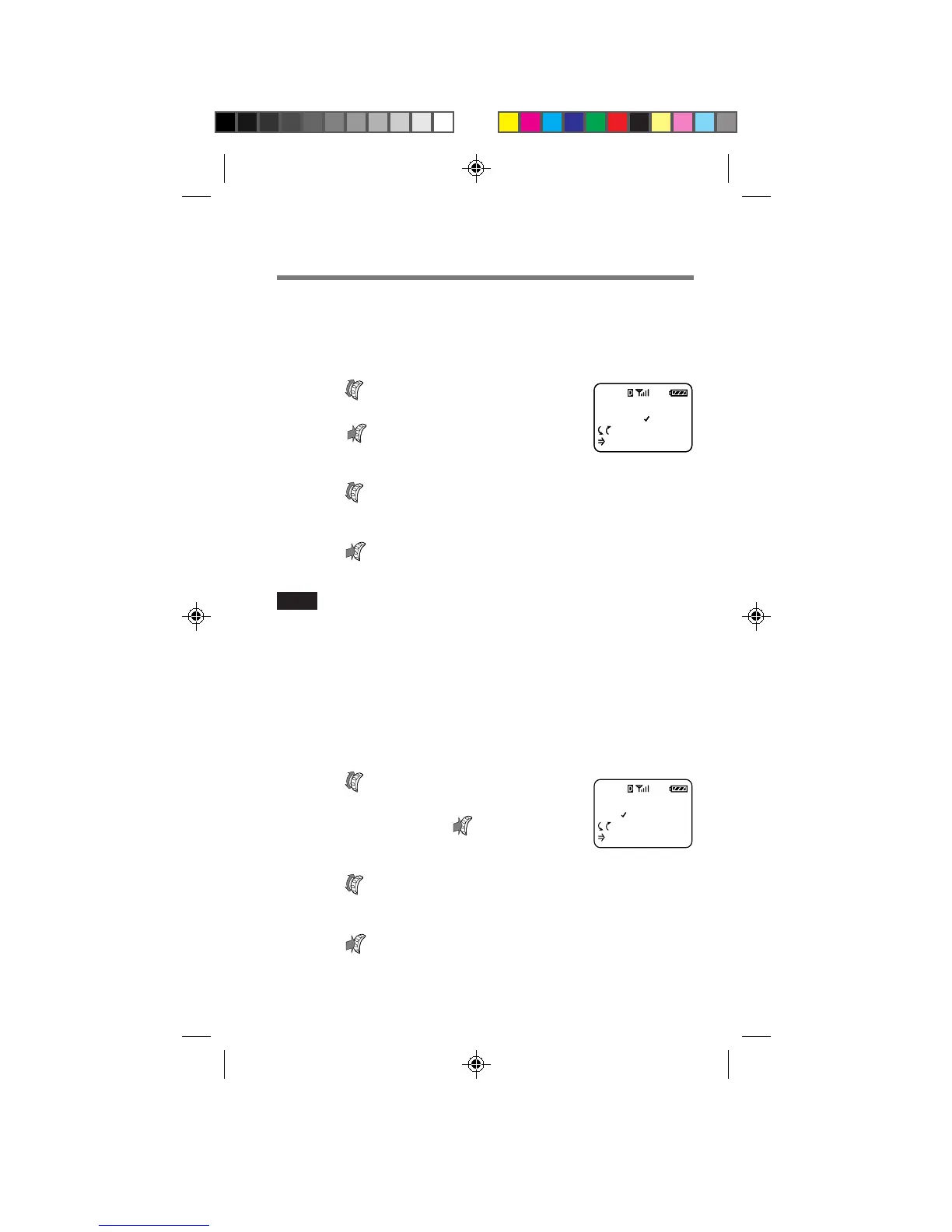
1 Turn to select “Key Sound”
from the Sounds menu, then
push
.
The Key Sound menu appears.
2 Turn to select the keybeep type.
You can select “tones” or “clicks”.
3 Push to enter the new setting.
The standby display reappears.
Note
DTMF tones are sent to the other party during a call even if you set the
keybeep type to “clicks”.
Setting the keybeep length [F17]
You can set the length of the beep that sounds when you press a button.
This setting affects both the keybeep feedback and DTMF transmission
tones. The phone sends a short DTMF burst (default) or plays every tone
of the DTMF signal as long as the key is held down.
1 Turn to select “Beep
Length” from the Sounds
menu, then push
.
The Beep Length menu appears.
2 Turn to select the keybeep length.
You can select “standard” or “long”.
3 Push to enter the new setting.
The standby display reappears.
F16
KEY SOUND
TONES
:Choices
:To Set
F16
BEEP LENGTH
STANDARD
:Choices
:To Set
F17
B2200 39-55draft3 8/21/98, 12:13 PM44



 To Next Page