67
Advanced
Features
Setting the backlight [F62]
You can adjust the duration of the backlight on the display and keypad.
1 Turn to select “Backlight”
from the Display menu, then
push
.
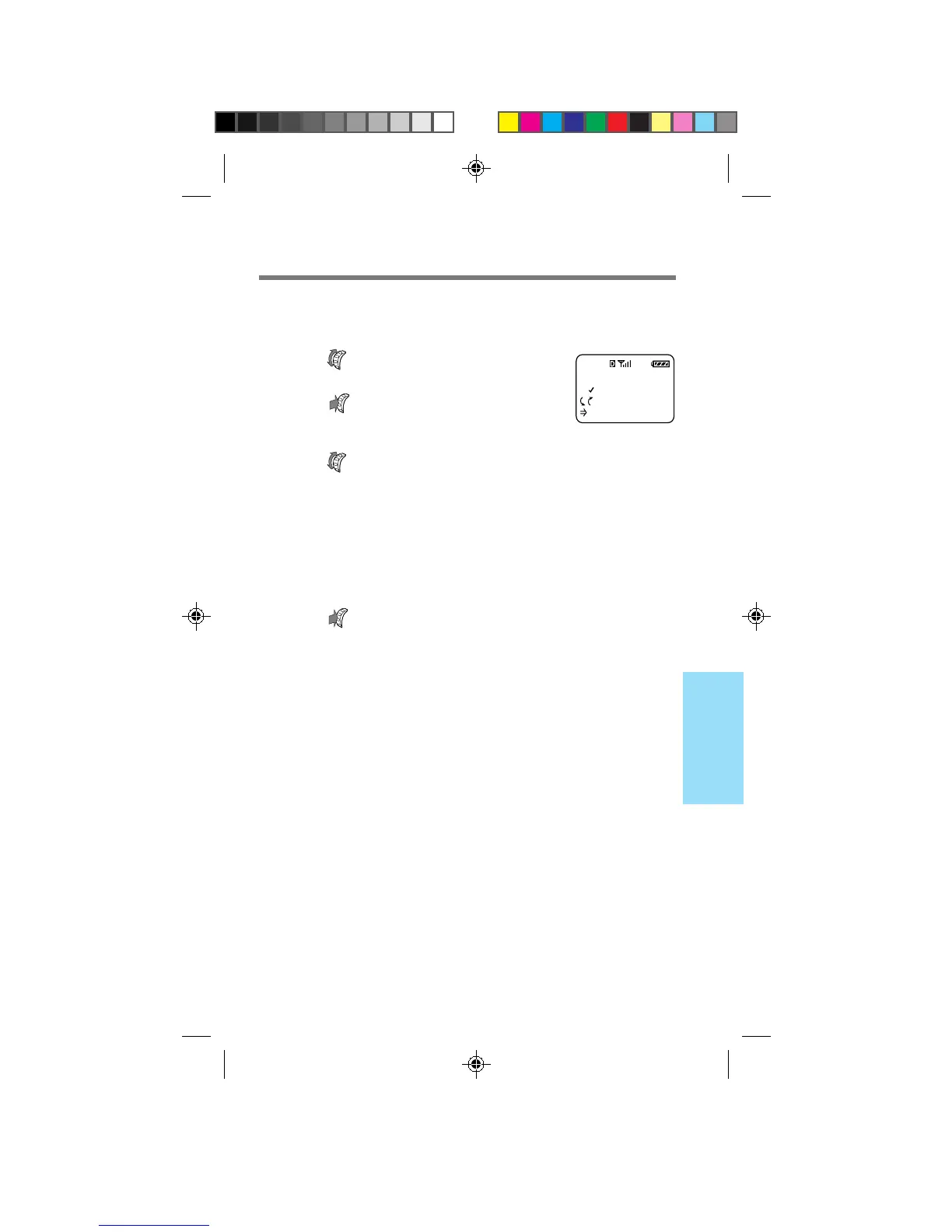
The Backlight menu appears.
2 Turn to select how long the backlight is
on after the last press of a button.
You can select “for 15 secs”, “for 7 secs” or “off”. If the
phone is used in conjunction with a hands-free car kit, a
cigarette lighter adapter or a single- or dual-slot battery
charger, the added option of “always on” leaves the
backlight on.
3 Push to enter the new setting.
The standby display reappears.
Tip
Your phone has two backlight settings: one in charging mode and one in
battery mode. The factory setting for charging mode is “always on”. For
faster charging, you may want to change the setting.
BACKLIGHT
FOR 7 SECS
:Choices
:To Set
F62
B2200 56-76draft3 8/21/98, 12:14 PM67



 To Next Page