68
Setting autohyphenation [F63]
You can turn the autohyphenation feature on and off. If you turn it on,
entered numbers are hyphenated according to the North American
Numbering Plan (eleven digits which include a long distance identifier,
a three-digit area code, a three-digit community code and a four-digit
location code, e.g., 9-999-999-9999).
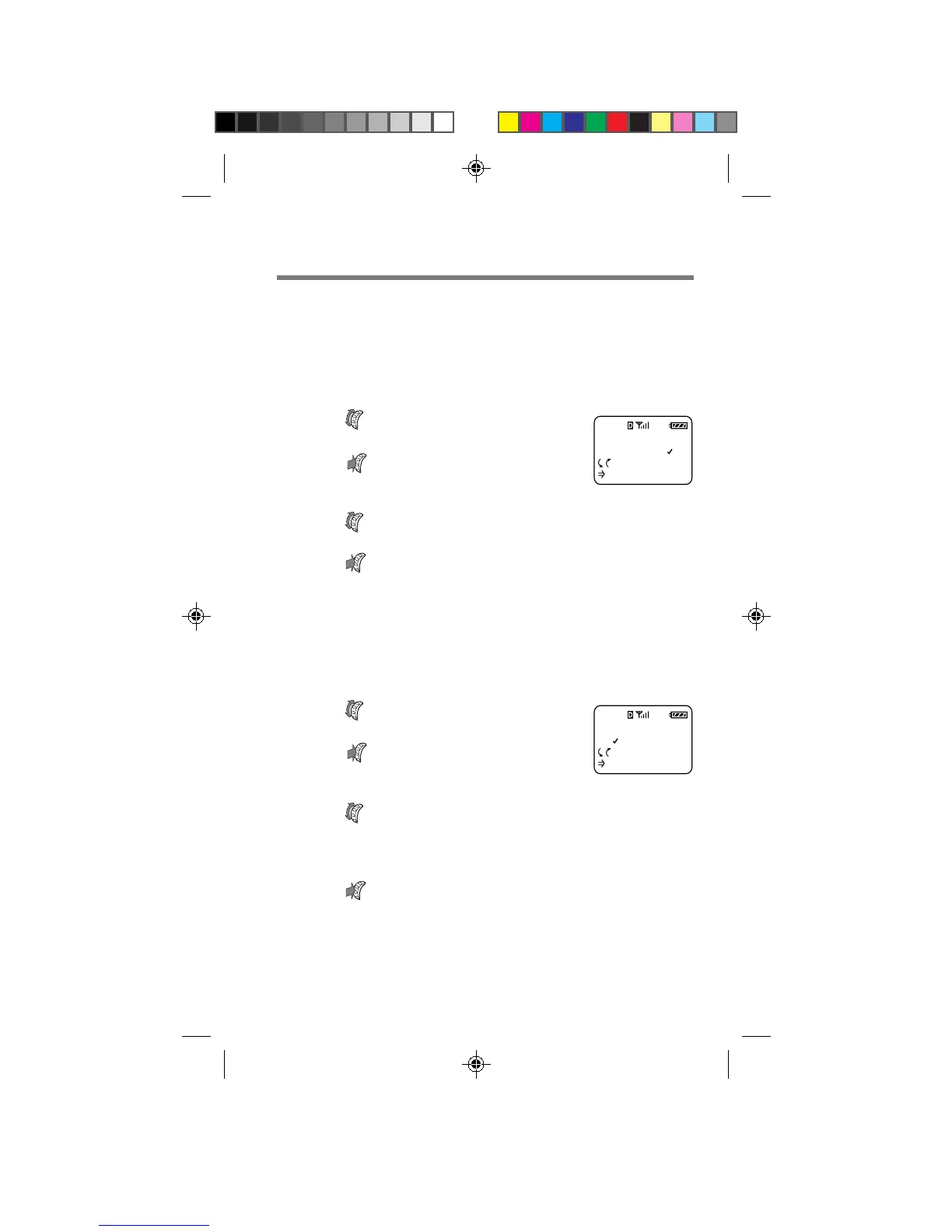
1 Turn to select “Auto-Hyphen”
from the Display menu, then
push
.
The Auto-Hyphen menu appears.
2 Turn to select “on” or “off”.
3 Push to enter the new setting.
The standby display reappears.
Sorting the Phone Book [F64]
You can determine how the Phone Book will be displayed and also set
the phone to sort the entries either alphabetically or by memory location.
1 Turn to select “Sort Book”
from the Display menu, then
push
.
The Sort Book menu appears.
2 Turn to set the sorting preferences.
You can choose to sort the Phone Book “by Loc. #” (by
location) or “alphabetic” (alphabetically).
3 Push to enter the new setting.
The standby display reappears.
SORT BOOK
BY LOC. #
:Choices
:To Set
F64
AUTO-HYPHEN
ON
:Choices
:To Set
F63
B2200 56-76draft3 8/21/98, 12:14 PM68



 To Next Page