14
GB
Step 2: Turning the power on, and setting the
date and time
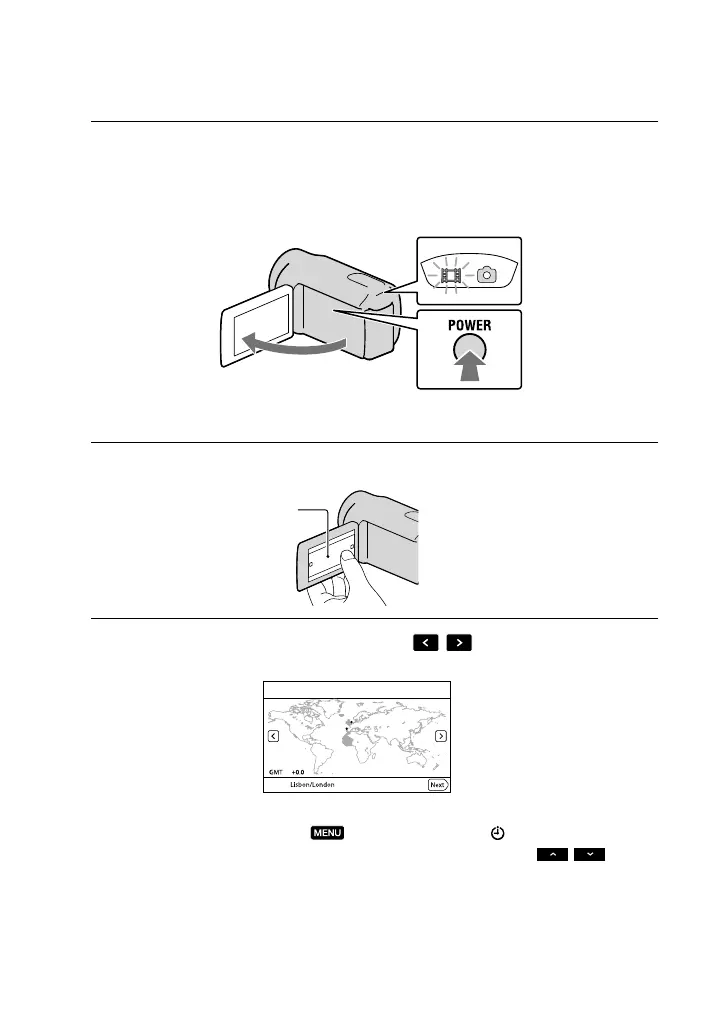
1
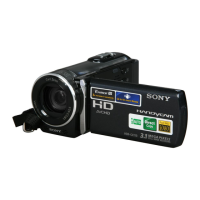
Open the LCD screen of your camcorder.
Your camcorder is turned on.
To turn on your camcorder when the LCD screen is open, press POWER.
2
Select the desired language, then touch [Next].
3
Select the desired geographical area with
/ , then touch [Next].
To set the date and time again, touch (MENU) [Setup] [ (Clock Settings)] [Date
& Time Setting] [Date & Time]. When an item is not on the screen, touch
/ until
the item appears.
MODE lamp
POWER button
Touch the button on the
LCD screen






 To Next Page