20
GB
Recording/Playback
Recording
In the default setting, movies and photos are recorded on the following media. Movies are
recorded with high definition image quality (HD).
HDR-CX130E: Memory card
HDR-CX160E/CX180E: Internal recording media
Tips
To change the recording media, see page 17 (HDR-CX160E/CX180E).
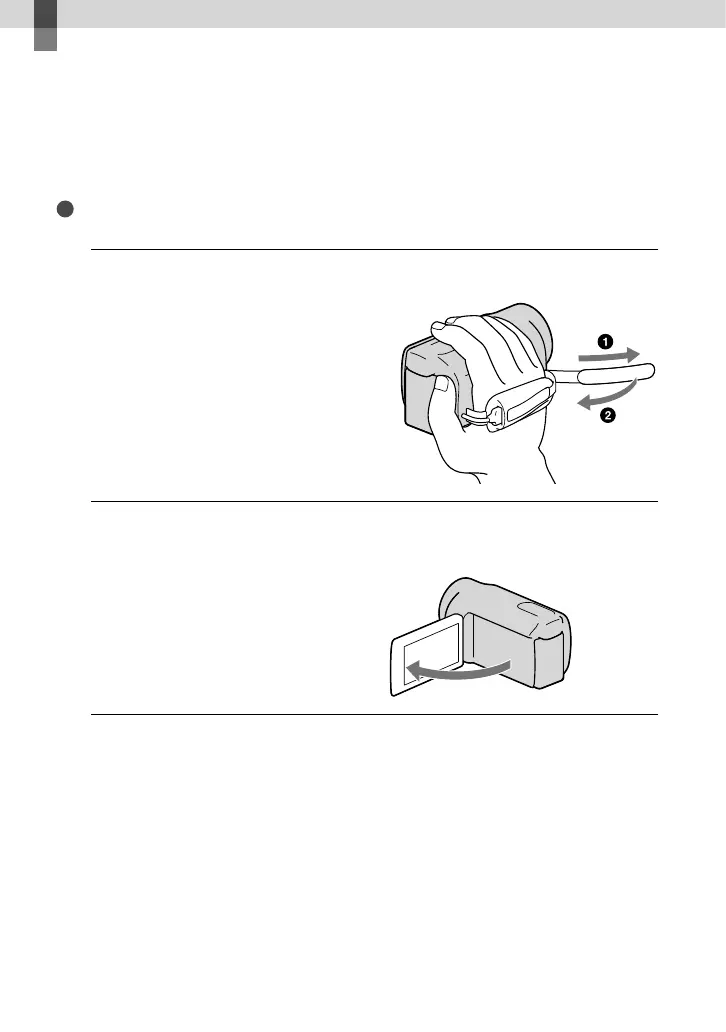
1
Fasten the grip belt.
2
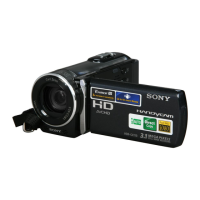
Open the LCD screen of your camcorder.
Your camcorder is turned on and the lens cover is opened.





 To Next Page