38
GB
You can locate a particular point on a disc
quickly by monitoring the picture or by playing
back slowly.
Notes
• Depending on the DVD/VIDEO CD, you may not be
able to perform some of the operations described.
• During Scan or Slow-motion Play, no sound is
output.
Locating a point quickly by
playing a disc in fast forward
or fast reverse (Scan)
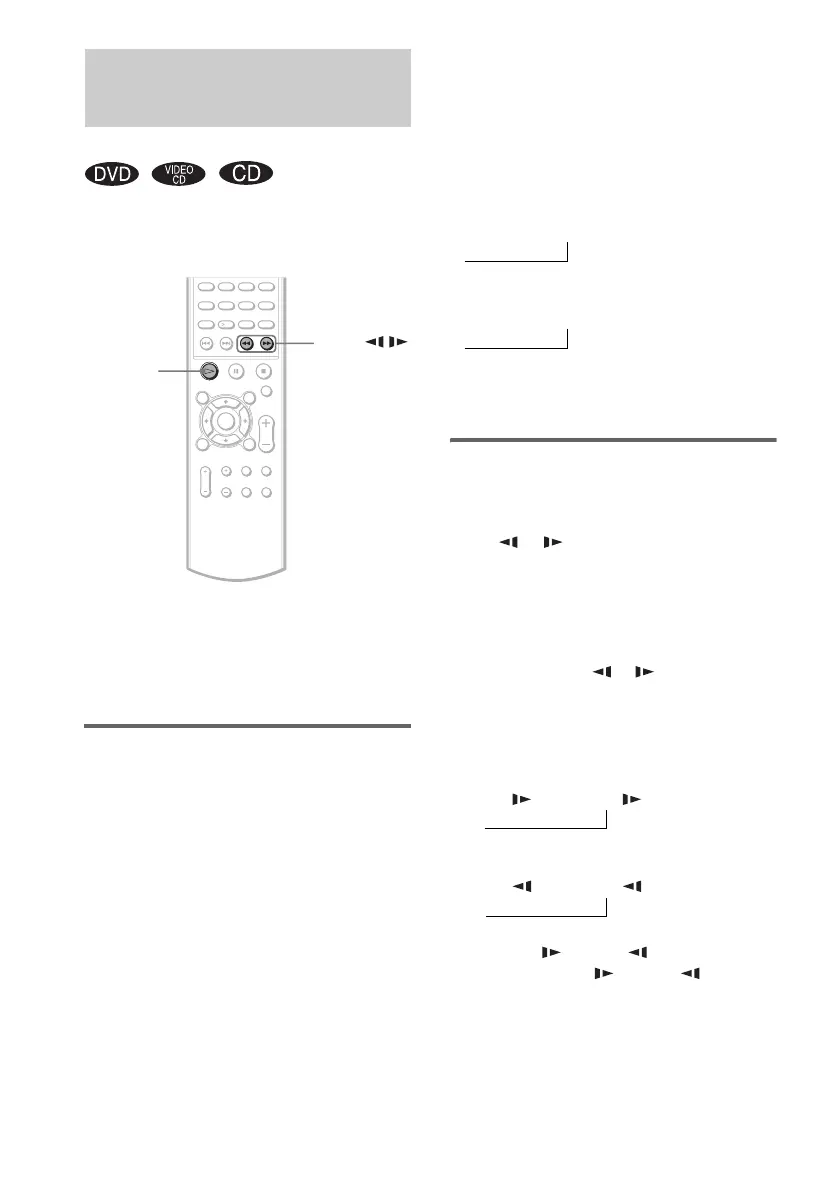
1 Press m or M while playing a disc.
2 When you find the point you want,
press H to return to normal speed.
To change the scan speed (DVD/
VIDEO CD only)
Each time you press m or M during scan, the
playback speed changes. Two speeds are
available. With each press, the indication
changes as follows:
The FF2M/FR2m playback speed is faster
than FF1M/FR1m.
Watching frame by frame
(Slow-motion Play)
(DVD/VIDEO CD only)
Press or when the system is in the
pause mode.
To return to normal speed, press H.
To change the speed of Slow-
motion play
Each time you press or during Slow-
motion Play, the playback speed changes. Two
speeds are available. With each press, the
indication changes as follows:
The SLOW 2 /SLOW 2 playback speed is
slower than SLOW 1 /SLOW 1 .
Searching for a Particular
Point on a Disc
(Scan, Slow-motion Play)
SLOW /
m/M
H
Playback direction
FF1M t FF2M
t
Opposite direction
FR1m t FR2m
t
Playback direction
SLOW 2 t SLOW 1
t
Opposite direction (DVD only)
SLOW 2 t SLOW 1
t



 To Next Page