Playing Discs
45
GB
Checking the date
information (JPEG only)
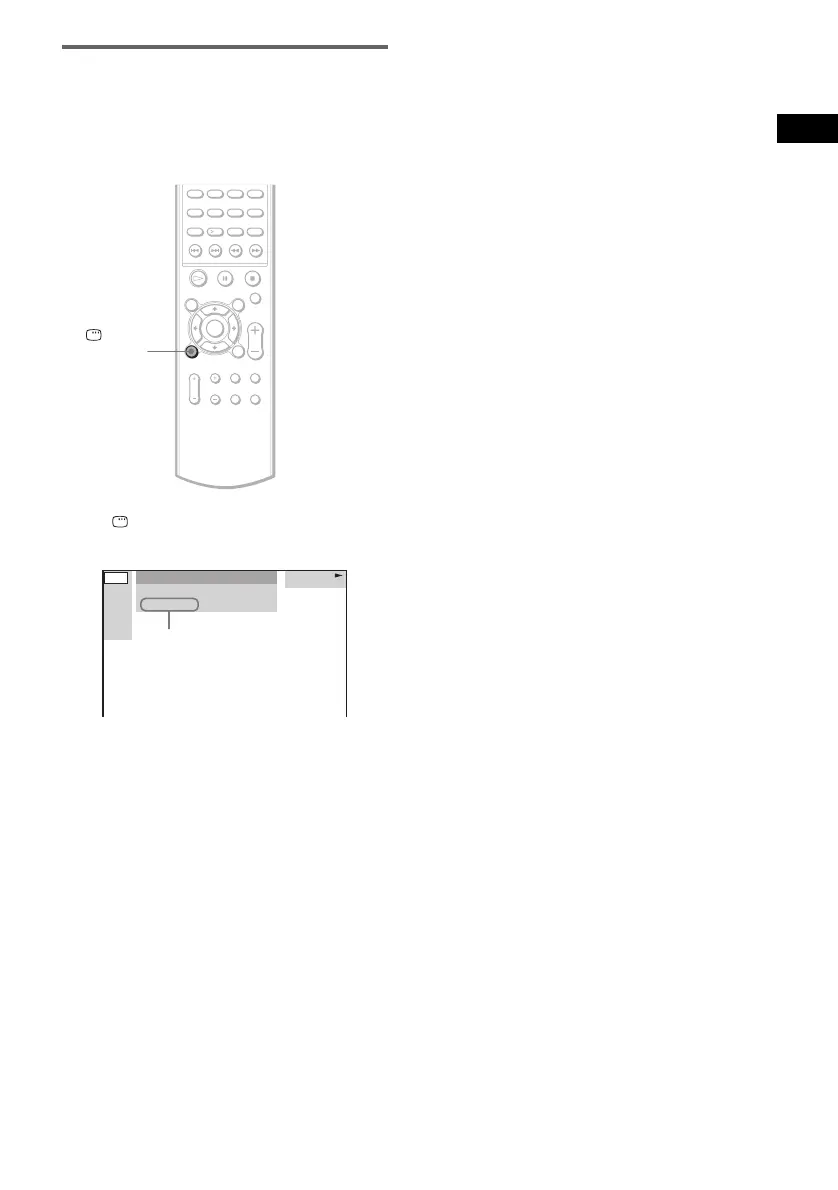
You can check the date information during
playback when the Exif* tag is recorded in the
JPEG image data.
Press DISPLAY during playback.
The Control Menu appears.
* “Exchangeable Image File Format” is a digital
camera image format defined by the Japan
Electronics and Information Technology Industries
Association (JEITA).
Tip
Date information is “MM/DD/YYYY.”
MM: Month
DD: Day
YYYY: Year
Note
If there is no date information or data is damaged on
the disc, the system cannot display the date
information.
DISPLAY
FAMILY
1
(
2 0
)
BIRTHDAY
01/ 01/ 2003
JPEG
Date information



 To Next Page