64
GB
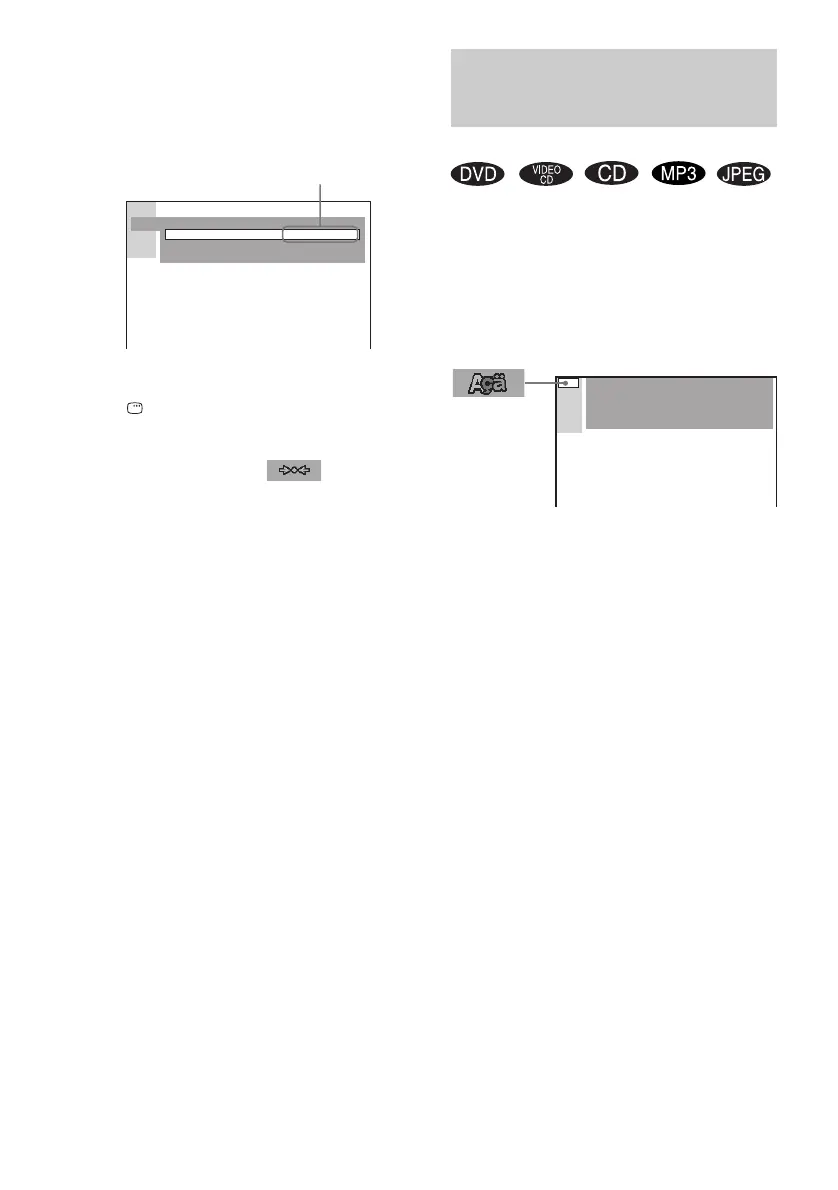
6 Select a setting using X/x, then press
ENTER.
The setting is selected and setup is
complete.
Example: [4:3 PAN SCAN]
To turn off the Setup Display
Press DISPLAY repeatedly until the Setup
Display is turned off.
* When you select [RESET] in step 4, the
following items are returned to the default settings.
• Setup Menu (except for [PARENTAL CONTROL])
(page 79)
After you select [RESET] and press ENTER, select
[YES] to reset the settings (it takes a few seconds to
complete). Select [NO] and press ENTER to cancel.
Do not press "/1 on the system, when resetting the
system.
[LANGUAGE SETUP] allows you to set
various languages for the on-screen display or
sound track.
Select [LANGUAGE SETUP] in the Setup
Display. For details on using the display, see
“Using the Setup Display” (page 63).
x OSD (On-Screen Display)
Selects the display language on the screen.
Selects the language from the displayed list.
x DVD MENU (DVD only)
Selects the desired language for the DVD menu.
Selects the language from the displayed list.
x AUDIO (DVD only)
Selects the language of the sound track.
Selects the language from the displayed list.
x SUBTITLE (DVD only)
Selects the language of the subtitle.
Selects the language from the displayed list.
Note
If you select a language that is not recorded on the
DVD, one of the recorded languages will be
automatically selected (except for [OSD]).
Tip
If you select [OTHERS t] in [DVD MENU],
[AUDIO], or [SUBTITLE], select and enter the
language code from the list using the number buttons
(page 78).
After you have made a selection, the language code
(4 digits) is displayed the next time you select
[OTHERS t].
SCREEN SETUP
SCREEN SAVER:
BACKGROUND:
ON
JACKET PICTURE
TV TYPE: 4:3 PAN SCAN
Selected setting
Setting the Display or
Sound Track Language
(LANGUAGE SETUP)
LANGUAGE SETUP
OSD :
DVD MENU :
AUDIO :
SUBTITLE :
ENGLISH
ENGLISH
ENGLISH
ENGLISH



 To Next Page