58
GB
To use a digital satellite
receiver or other components
with a high audio output level
Connect the satellite receiver to the VIDEO/
SAT jacks of this system. You can also connect
the components with a high audio output level
(including 2V r.m.s components, such as MD,
etc.) to the VIDEO/SAT jacks, and perform the
following to prevent distortion occurring.
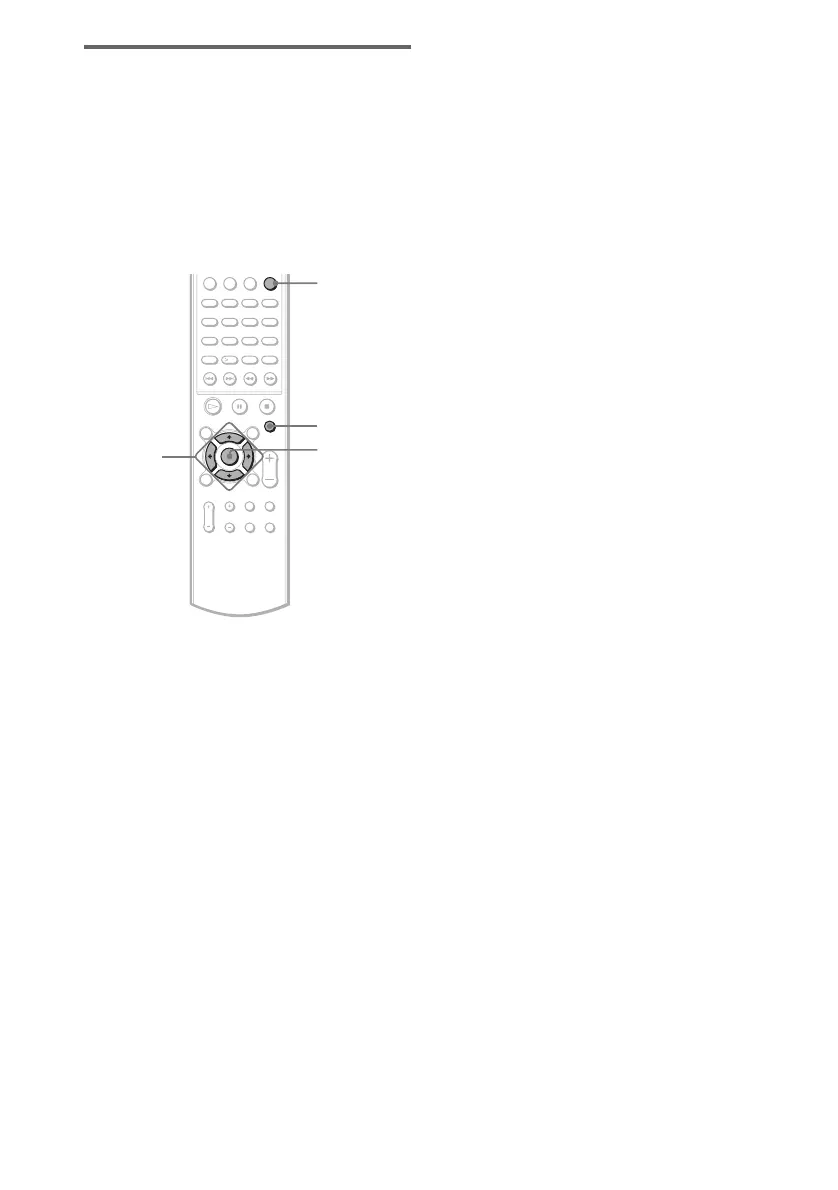
1 Press FUNCTION repeatedly until
VIDEO appears in the front panel
display.
2 Press AMP MENU.
3 Press X or x until “CUSTOMIZE”
appears in the front panel display, then
press ENTER or c.
The system enters the Customize Menu
mode.
4 Press X or x repeatedly to select
“ATTENUATE” in the front panel
display, then press ENTER or c.
5 Press X or x to select “ATT ON” in the
front panel display.
The output level is changed.
When you select “ATT OFF” and press x,
this operation will be cancelled.
6 Press ENTER or AMP MENU.
Turns off the AMP menu.
The function name in the front panel
display changes to “SAT.”
Tip
To return to the VIDEO function, select “ATT
OFF” at step 5.
AMP MENU
ENTER
C/X/x/c
FUNCTION



 To Next Page