20
GB
List of Control Menu Items for karaoke
Tip
• The Control Menu icon indicator lights up in yellow t when you select any item except [OFF]
([PROGRAM], [SHUFFLE], [REPEAT], [A/V SYNC], [KARAOKE MODE], and [VOCAL SELECT] only). The
[ORIGINAL/PLAY LIST] indicator lights up in yellow when you select [PLAY LIST] (default setting). The
[MULTI/2CH] indicator lights up in yellow when you select the multi-channel playback area on a Super Audio CD.
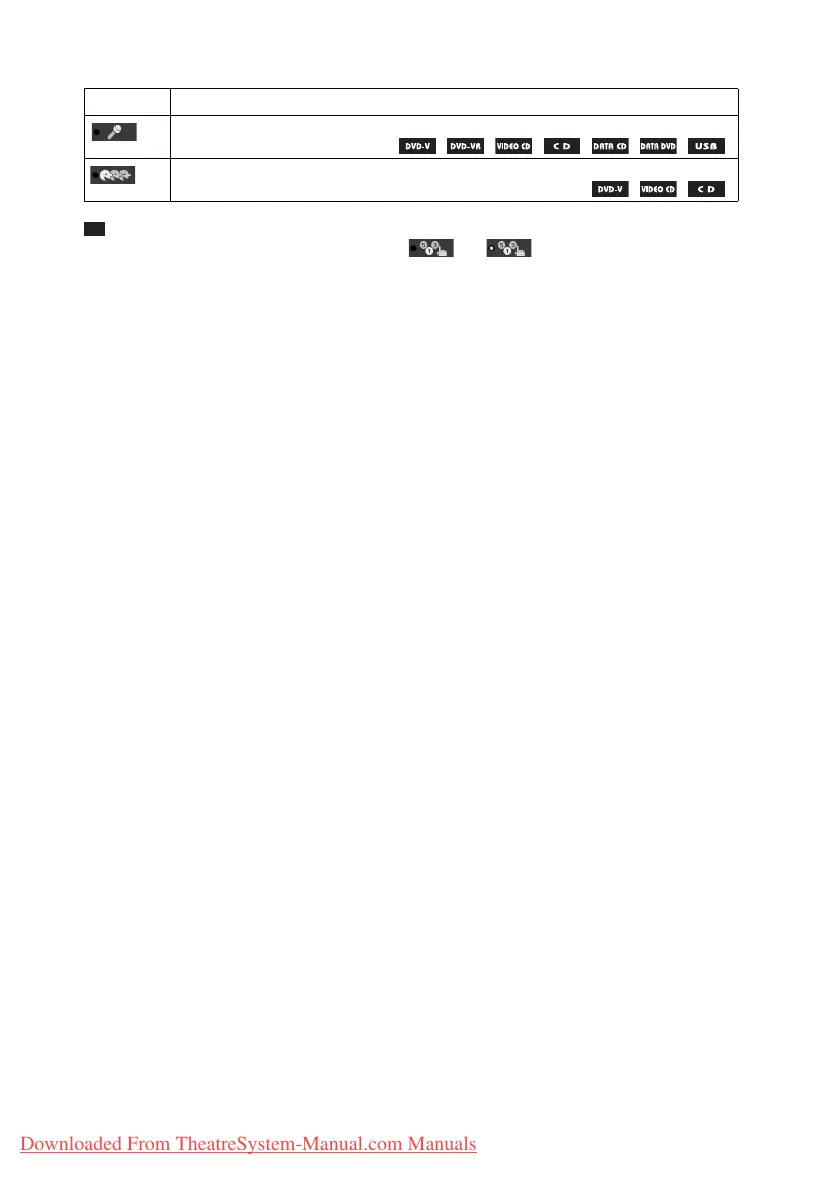
Item Item Name, Function, Relevant Source
[KARAOKE MODE] (page 42)
Set karaoke mode to on/off.
[VOCAL SELECT] (page 44)
Selects different kind of vocals recorded in the disc.
Downloaded From TheatreSystem-Manual.com Manuals



 To Next Page