~
[Q
D-~"""EI3I'"
1:.'::>
..
;;:.===
...
1
:;;==0._.
mJ
if
not
installed
and
used in accordance
with the instructions, may cause harmful
interference to radio communications.
However, there
is
no guarantee that
interference will not occur in a particular
installation.
If
this equipment does cause
harmful interference to radio
or
television
reception, which can be determined
by turning the equipment offand on,
the user
is
encouraged to try to correct
the interference by one
or
more
of
the
following measures:
- Reorient
or
relocate the receiving antenna.
- Increase the separation between the
equipment
and
receiver.
- Connect the equipment into an outlet on
a circuit different from that to which the
receiver
is
connected.
- Consult the dealer
or
an experienced radio/
TV technician for help.
The supplied interface cable must be used
with the equipment in order to comply
with the limits for a digital device pursuant
to Subpart B
of
Part
15
of
FCC Rules.
For
the
State
of
California,
USA
only
Perchlorate Material - special handling may
apply,
See
www.dtsc.ca.gov/hazardouswaste/
perchlorate
Perchlorate Material: Lithium battery
contains perchlorate.
Supplied items
The numbers in ( ) are the supplied
quantity.
• AC Adaptor (1)
• Power cord (Mains lead) (1)
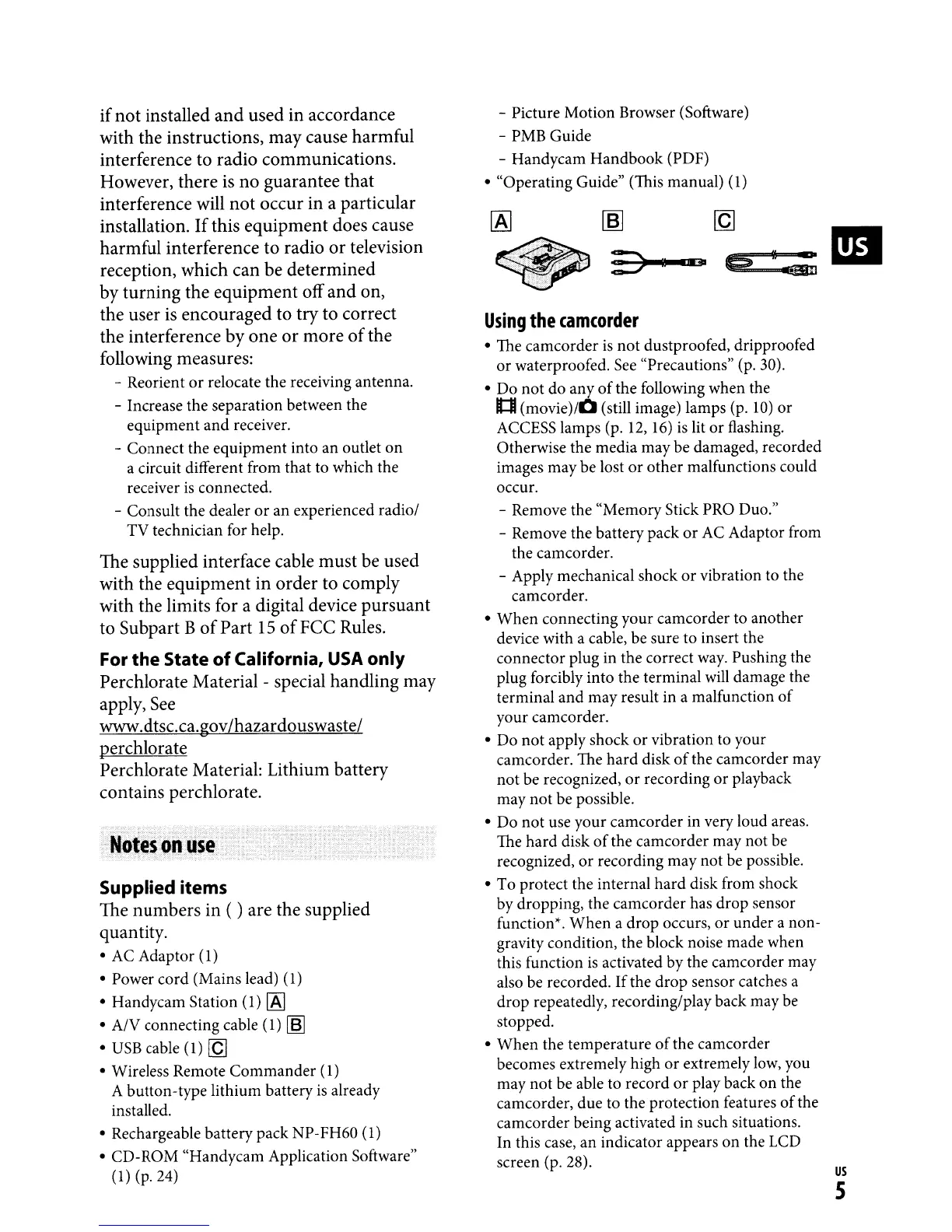
• Handycam Station (1)
[A]
•
AN
connecting cable (1)
[6J
•
USB
cable (1)
[Q]
• Wireless Remote
Commander
(1)
A button-type lithium battery
is
already
installed.
• Rechargeable battery pack NP-FH60
(1)
• CD-ROM "Handycam Application Software"
(1)
(p.24)
- Picture Motion Browser (Software)
- PMB Guide
- Handycam Handbook (PDF)
• "Operating Guide" (This manual)
(1)
Using
the
camcorder
• The camcorder
is
not
dustproofed, dripproofed
or waterproofed.
See
"Precautions" (p. 30).
• Do not do any
of
the
follOWing
when the
Itll
(movie)/O
(still image) lamps (p.
10)
or
ACCESS lamps (p. 12,
16)
is
lit
or
flashing.
Otherwise the media may be damaged, recorded
images may be lost
or
other malfunctions could
occur.
- Remove the "Memory Stick PRO
Duo."
- Remove the battery pack
or
AC Adaptor from
the camcorder.
- Apply mechanical shock
or
vibration to the
camcorder.
• When connecting your camcorder to another
device with a cable, be sure to insert the
connector plug in the correct
way.
Pushing the
plug forcibly into the terminal will damage the
terminal and may result in a malfunction
of
your camcorder.
• Do
not
apply shock or vibration to your
camcorder. The hard disk
of
the camcorder may
not be recognized, or recording
or
playback
may
not
be possible.
• Do
not
use your camcorder in very loud areas.
The hard disk
of
the camcorder may not be
recognized,
or
recording may not be possible.
• To protect the internal hard disk from shock
by dropping, the camcorder has drop sensor
function*.
When
a drop occurs,
or
under a non-
gravity condition, the block noise made when
this function
is
activated by the camcorder may
also be recorded.
If
the drop sensor catches a
drop repeatedly, recording/play back may be
stopped.
•
When
the temperature
of
the camcorder
becomes extremely high
or
extremely low, you
may not be able to record
or
play back
on
the
camcorder, due to the protection features
of
the
camcorder being activated in such situations.
In this case, an indicator appears
on
the LCD
screen (p. 28).
us
S



 To Next Page