us
6
• Do not turn
on
the camcorder in a low-pressure
area, where the altitude
is
more than 3,000
meters (9,800 feet). Doing so may damage the
hard disk drive
of
your camcorder.
•
If
you repeat recording/deleting images for a
long time, fragmentation
of
data occurs on the
media. Images cannot be saved
or
recorded. In
such a case, save your images
on
some type
of
external media first, and then perform [MEDIA
FORMAT]".
• Fasten the grip belt
and
hold your camcorder
correctly while recording.
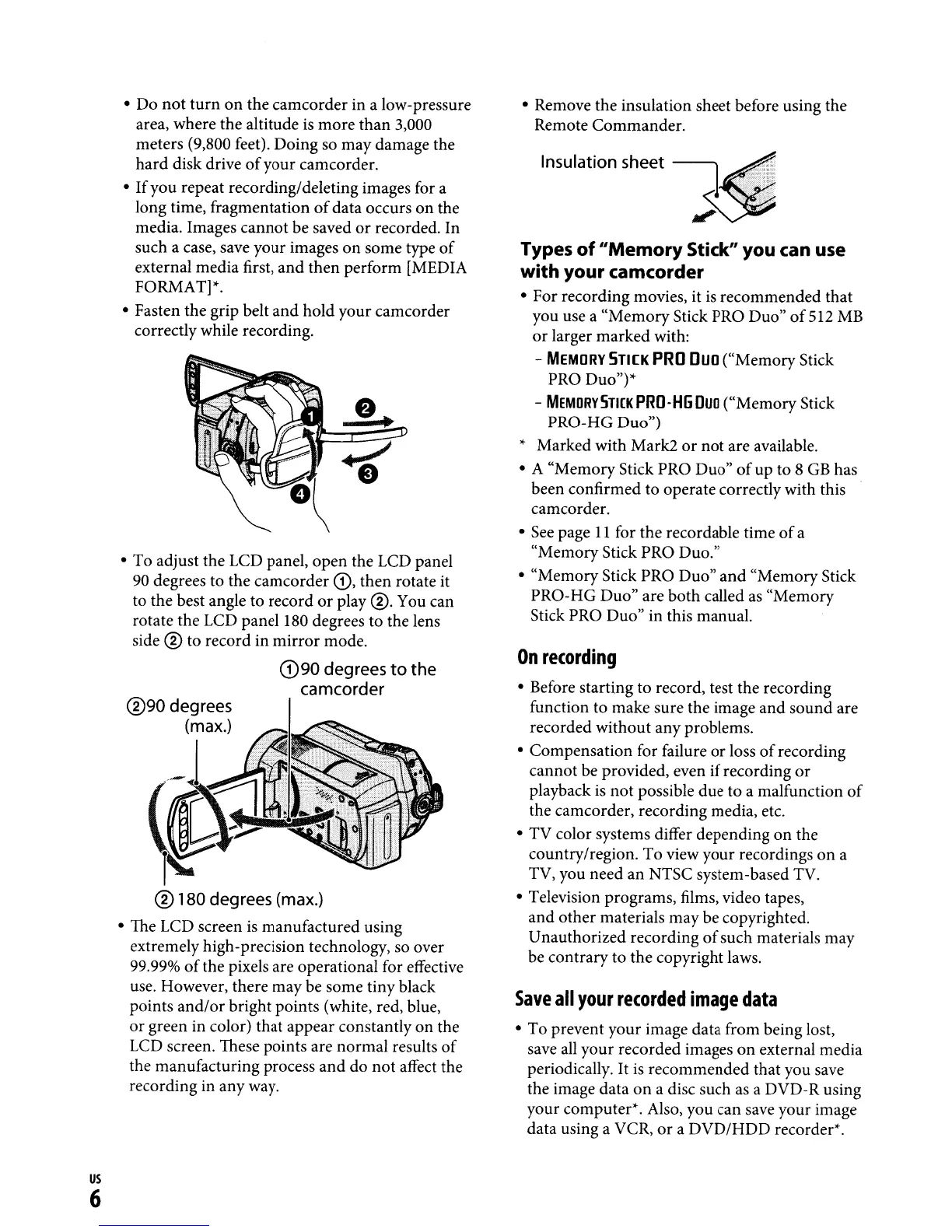
• To adjust the LCD panel, open the
LCD
panel
90
degrees to the camcorder
G),
then rotate it
to the best angle to record
or
play
®.
You can
rotate the LCD panel
180
degrees to the lens
side
® to record in mirror mode.
(D90
degrees
to
the
camcorder
® 180 degrees (max.)
•
The
LCD screen
is
manufactured using
extremely high-precision technology, so over
99.99%
of
the pixels are operational for effective
use. However, there may be some tiny black
points and/or bright points (white, red, blue,
or
green in color) that appear constantly on the
LCD
screen. These points are normal results
of
the manufacturing process and do
not
affect the
recording in any way.
• Remove the insulation sheet before using the
Remote Commander.
Types
of
"Memory
Stick" you can use
with
your camcorder
• For recording movies, it
is
recommended that
you use a "Memory Stick PRO Duo"
of
512
MB
or
larger marked with:
-
MEMORY
5TI[K
PRO
Duo
("Memory Stick
PRO Duo"Y
-
MEMORVSmKPRO-H6Duo
("Memory Stick
PRO-HG Duo")
,.
Marked with Mark2
or
not are available.
• A "Memory Stick PRO Duo"
of
up to 8
GB
has
been confirmed to operate correctly with this
camcorder.
•
See
page
11
for the recordable time
of
a
"Memory Stick PRO Duo."
• "MemoryStick PRO Duo" and "Memory Stick
PRO-HG Duo" are both called
as
"Memory
Stick PRO Duo" in this manual.
On
recording
• Before starting to record, test the recording
function to make sure the image and sound are
recorded without any problems.
• Compensation for failure
or
loss
of
recording
cannot be provided, even if recording
or
playback
is
not possible due to a malfunction
of
the camcorder, recording media, etc.
• TV color systems differ depending on the
country/region. To view your recordings on a
TV, you need an NTSC system-based TV.
• Television programs, films, video tapes,
and other materials may be copyrighted.
Unauthorized recording
of
such materials may
be contrary to the copyright laws.
Save
all
your
recorded
image
data
• To prevent your image data from being lost,
save
all
your recorded images
on
external media
periodically.
It
is
recommended that you save
the image data
on
a disc such
as
a DVD-R using
your computer". Also, you can save your image
data using a VCR,
or
a DVD/HDD recorder".



 To Next Page