46
When the mode dial is set to (MOVING IMAGE is set to CLIP
MOTION in the setup settings.)
PFX
(P. EFFECT)
SOLARIZE
B&W
SEPIA
NEG.ART
x
OFF
Sets the image special effects (page 63).
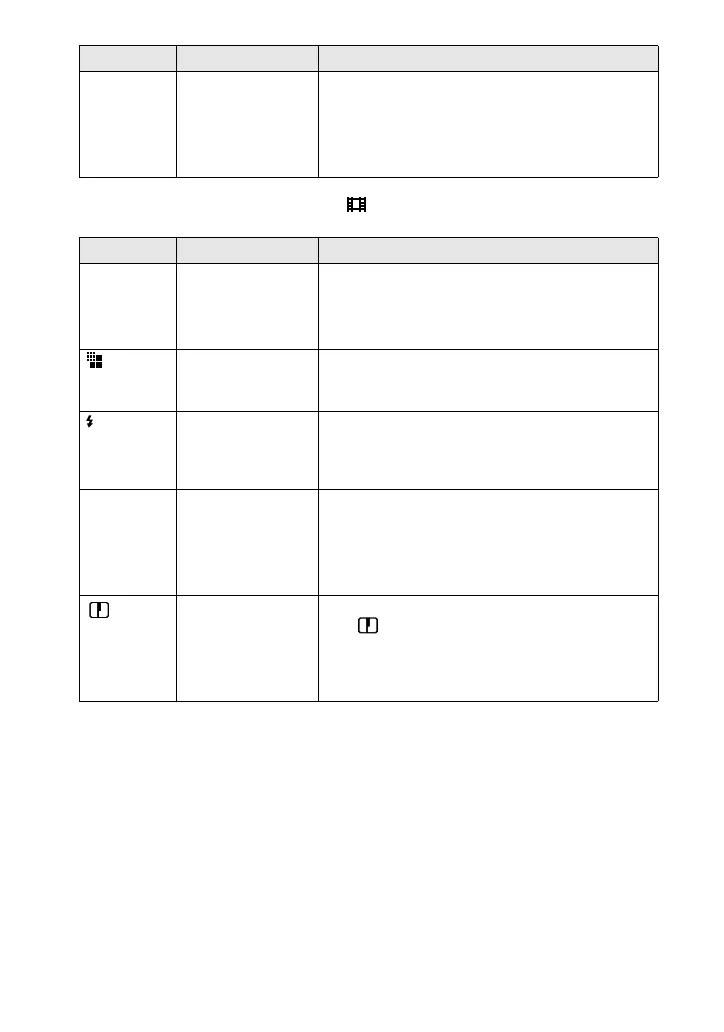
Item Setting Description
WB
(WHITE
BAL)
ONE PUSH
x
AUTO
IN DOOR
OUT DOOR
Sets the white balance (page 62).
(IMAGE
SIZE)
x
NORMAL
MOBILE
Selects the Clip Motion image size (page 59).
±
(FLASH
LEVEL)
HIGH Makes the flash level higher than normal.
x
NORMAL Normal setting.
LOW Makes the flash level lower than normal.
PFX
(P. EFFECT)
SOLARIZE
B&W
SEPIA
NEG.ART
x
OFF
Sets the image special effects (page 63).
(
SHARPNESS
)
+2
+1
x
0
–1
–2
Adjusts the sharpness of the image.
The indicator appears (except when the
setting is 0).
Item Setting Description







 To Next Page