72
To cancel deleting
Select [CANCEL] with
b
/
B
in step
4
or [EXIT] with
b
/
B
in step
5
, then
press
z
.
Note
If there are files on the “Memory Stick” with
names having the same last 4 digits as the
file name of the image to be deleted, these
files are also deleted at the same time.
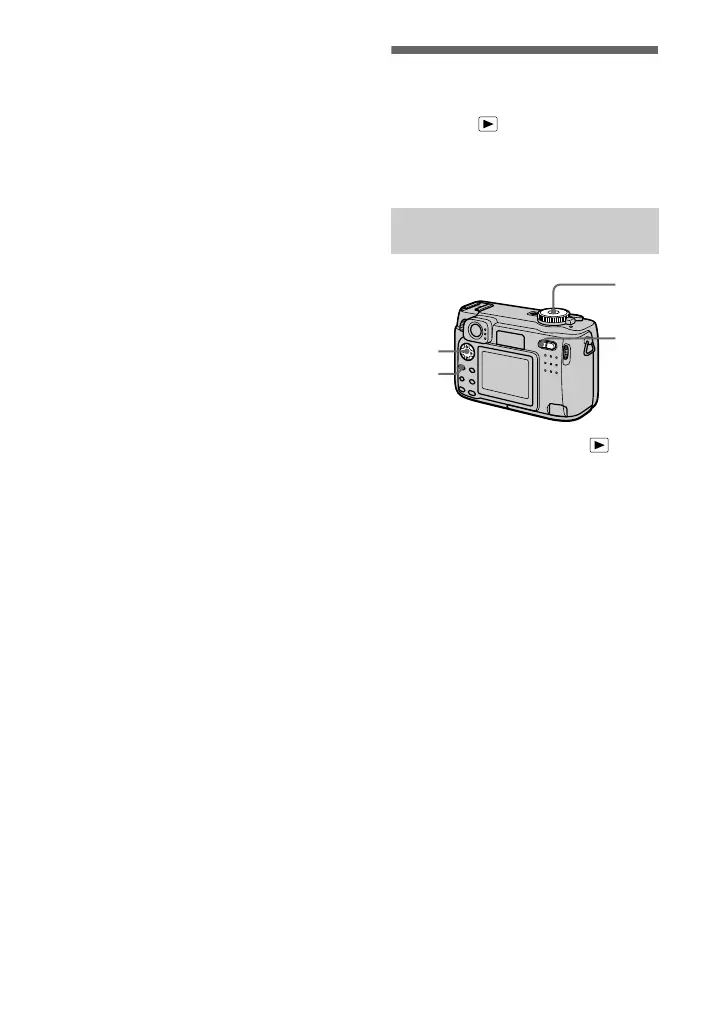
Preventing accidental
erasure (PROTECT)
Mode dial:
Protects images against accidental
erasure.
1
Set the mode dial to .
2
In single-image mode
Display the image you want to
protect with
b
/
B
.
In triple-image mode
Press the zoom W button twice in
the single-image mode to turn to
the triple-image mode.
Display the image you want to
protect with
b
/
B
.
3
Press MENU.
The menu appears.
4
Select [PROTECT] with
b
/
B
in single-image mode, or with
v
/
V
in triple-image mode,
then press
z
.
The displayed image (or the
middle-positioned image in triple-
image mode) is protected.
The - indicator appears on the
image.
To release protection
Press
z
again in step
4
. - indicator
disappears.
In single-image or triple-
image mode












 To Next Page