1-5
ENGLISH JAPANESE
ENGLISH JAPANESE
DSC-T77_L2
1-6. PROCESS AFTER FIXING FLASH ERROR
When “FLASH error” (Self-diagnosis Code E : 91 : 01) occurs, to prevent any abnormal situation caused by high voltage, setting of the flash
is changed automatically to disabling charge and flash setting.
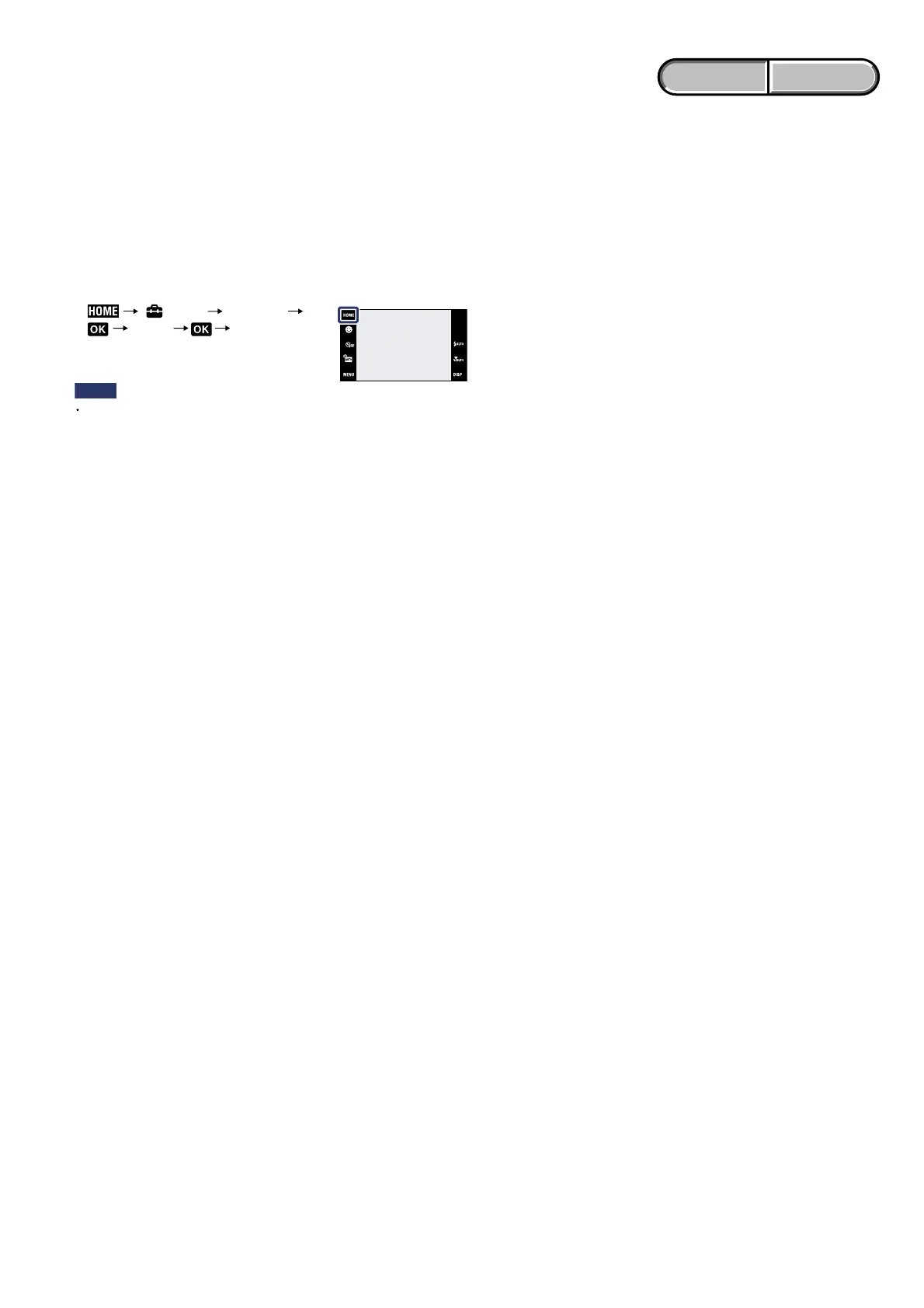
After fixing, this setting needs to be deactivated. Flash error code can be initialized by the operations on the HOME screen.
Method for Initializing the Flash Error Code
Initializes the setting to the default setting.
Even if you execute this function, the images are retained.
1 (Settings) [Main Settings]
[Initialize] [OK]
Notes
Be sure not to turn off the camera while initializing.
Initialize













 To Next Page