19
cellular phone name appear in the
display.
Changing display items
Press .
Connecting the last-connected cellular
phone from this unit
1 Make sure the Bluetooth signal of the
cellular phone is activated.
2 Press repeatedly until “BT
PHONE” appears.
3 Press (handsfree).
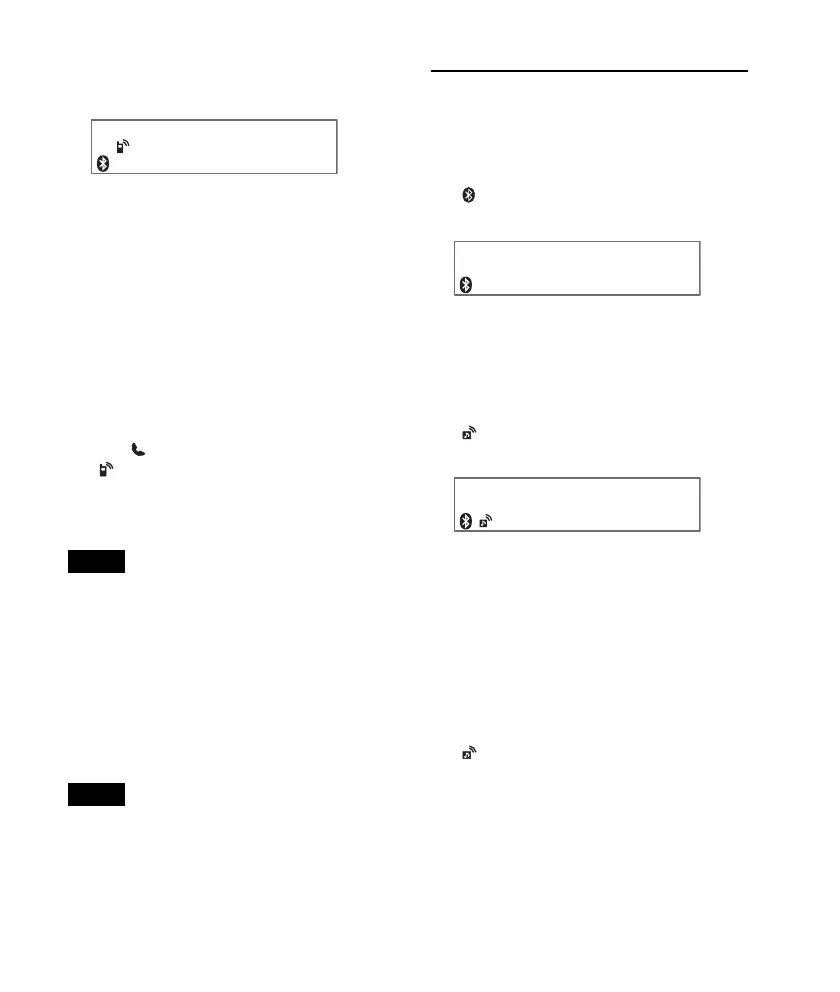
“ ” flashes while the connection is
being made, then stays lit while
connected.
Notes
• Some cellular phones require permission to
access their phonebook data during handsfree
connection to this unit. Obtain permission via
the cellular phone.
• While streaming Bluetooth audio, you cannot
connect from this unit to the cellular phone.
Connect from the cellular phone to this unit
instead. A connecting noise may be heard over
playback sound.
Tip
With Bluetooth signal on: when the ignition is
turned to on, this unit reconnects automatically
to the last-connected cellular phone. But
automatic connection also depends on the
cellular phone’s specification. If automatic
connection is not made, connect manually.
Connecting an audio device
1 Press and rotate the control
dial until “BT SIGNL” appears, then
press it.
“ ” lights up when Bluetooth signal is
activated.
2 Turn on the audio device and activate
the Bluetooth signal.
3 Connect to this unit using the audio
device.
“ ” appears when the connection is
made.
Connecting the last-connected audio
device from this unit
1 Make sure the Bluetooth signal of the audio
device is activated.
2 Press repeatedly until “BT
AUDIO” appears.
3 Press (PAUSE).
“ ” flashes while the connection is
being made, then stays lit while
connected.












 To Next Page