26
3 Rotate the control dial until the desired
equalizer curve appears, then press it.
4 Press (BACK).
To cancel the equalizer curve, select “OFF”
in step 3.
Tip
The equalizer curve setting can be memorized for
each source.
Customizing the equalizer
curve — EQ3 Setting
“CUSTOM” of EQ3 allows you to make
your own equalizer settings.
1 Select a source, then press the select
button.
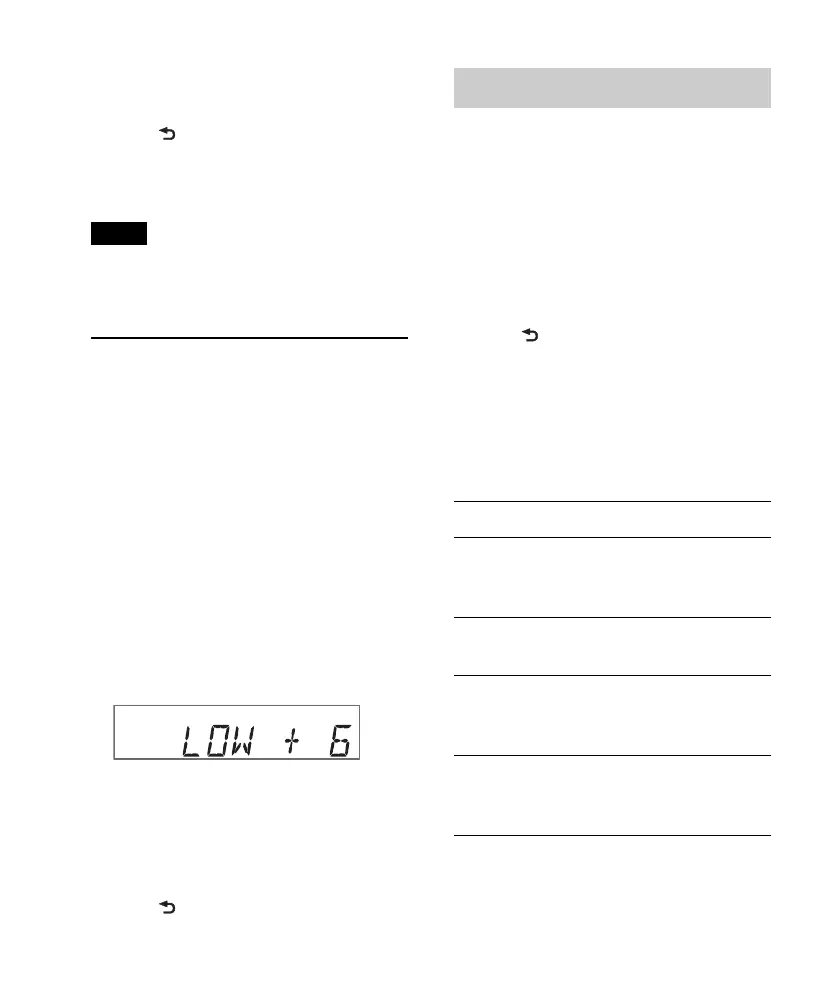
2 Rotate the control dial until “EQ3
LOW,” “EQ3 MID” or “EQ3 HIGH”
appears, then press it.
3 Rotate the control dial to adjust the
selected item, then press it.
The volume level is adjustable in 1 dB
steps, from –10 dB to +10 dB.
Repeat steps 2 and 3 to adjust the
equalizer curve.
To restore the factory-set equalizer
curve, press and hold the select button
before the setting is complete.
4 Press (BACK).
Adjusting setup items
1 Press and hold the select button.
The setup display appears.
2 Rotate the control dial until the desired
item appears, then press it.
3 Rotate the control dial to select the
setting, then press it*.
The setting is complete.
4 Press (BACK).
* For CLOCK-ADJ, BTM, BT INIT, BT SIGNL
and PAIRING settings, step 4 is not necessary.
The following items can be set depending
on the source and setting:
CLOCK-ADJ (Clock Adjust) (page 6)
CT (Clock Time)
Activates the CT function: “ON,” “OFF”
(page 13).
BEEP
Activates the beep sound: “ON,” “OFF.”
CAUT ALM* (Caution Alarm)
Activates the caution alarm: “ON,”
“OFF” (page 7).
AUX-A* (AUX Audio)
Activates the AUX source display: “ON,”
“OFF” (page 28).












 To Next Page