23
Voice dial activation
You can activate voice dialing with a cellular
phone connected to this unit by saying the
voice tag stored on the cellular phone, then
make a call.
1 Press and rotate the control
dial until “VO DIAL” appears, then
press it.
2 Say the voice tag stored on the cellular
phone.
Your voice is recognized, and the call is
made.
Notes
• Check that the unit and cellular phone are
connected beforehand.
• Store a voice tag on your cellular phone
beforehand.
• If you activate voice dialing with a cellular
phone connected to this unit, this function may
not always work in some cases.
• Voice dialing may not work in some situations,
depending on the effectiveness of the cellular
phone’s recognition function. For details, see
the support site on the back cover.
Tip
Store voice tags while seated in the car, via this
unit with “BT PHONE” source selected.
Music streaming
Listening to music from an
audio device
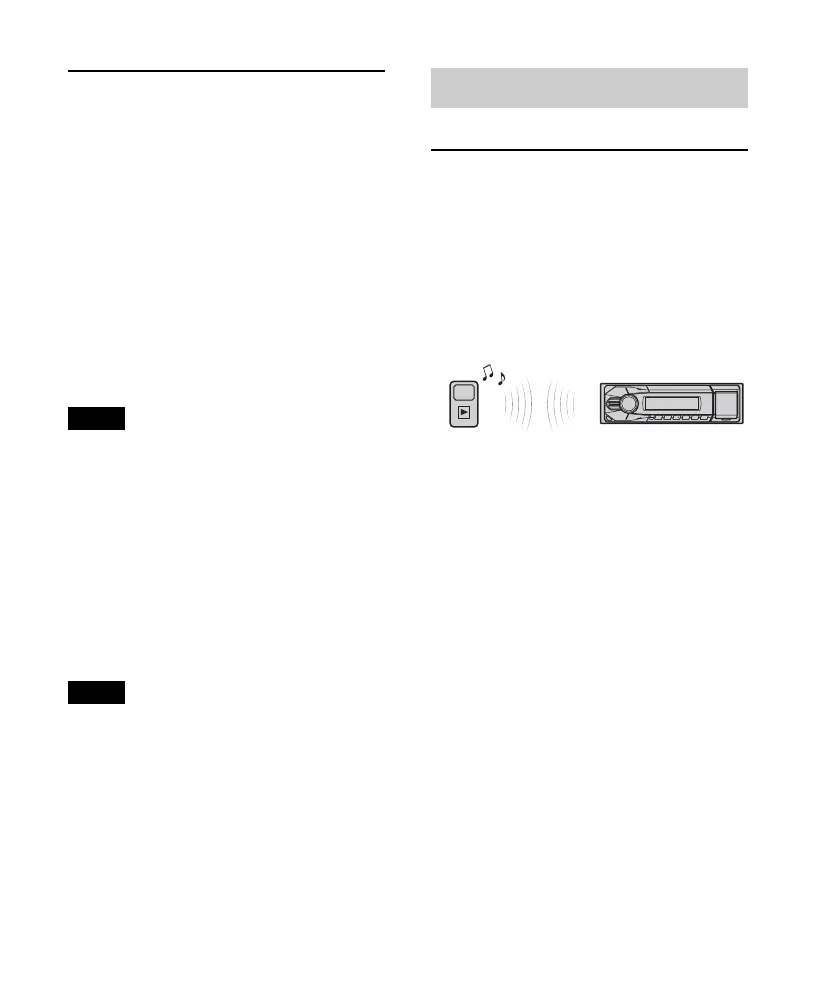
You can listen to music from an audio
device on this unit if the audio device
supports A2DP (Advanced Audio
Distribution Profile) of Bluetooth
technology.
1 Turn down the volume on this unit.
2 Press repeatedly until
“BT AUDIO” appears.
3 Operate the audio device to start
playback.
4 Adjust the volume on this unit.
Changing display items
Press .
Adjusting the volume level
The volume level is adjustable for any
difference between the unit and the
Bluetooth audio device.
1 Start playback of the Bluetooth audio device
at a moderate volume.
2 Set your usual listening volume on the unit.












 To Next Page