Help Guide
Marine Audio
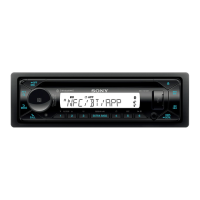
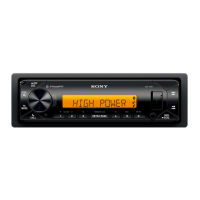
DSX-M80
Initializing the Unit
Initializing the unit will erase the clock settings and all your settings stored in the backup memory. [INITIALIZE] appears
only while the source is off and the clock is displayed.
Note
Initialize the unit before discarding the unit to prevent the leakage of phone information.
5-006-644-11(1) Copyright 2019 Sony Corporation
Press MENU, rotate the control dial to select [GENERAL], then press it.
1
Rotate the control dial to select [INITIALIZE], then press it.
2
Rotate the control dial to select [INIT-YES], then press it.
3


 To Next Page