Help Guide
Marine Audio
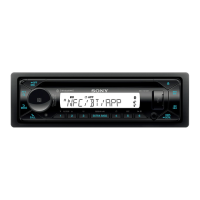
DSX-M80
Streaming Pandora®
If the device number appears
Make sure that the same numbers are displayed (e.g., 123456) in this unit and the mobile device, then press ENTER on
this unit and select [Yes] on the mobile device.
When activating the BLUETOOTH function
You can adjust the volume level.
Press MENU, then select [SOUND]
[BT AUDIO VOL].
Related Topic
Connecting with a Paired BLUETOOTH Device
Sound Setup (SOUND)
BLUETOOTH Setup (BLUETOOTH)
5-006-644-11(1) Copyright 2019 Sony Corporation
Make BLUETOOTH connection with the audio device.
To select the audio device, press MENU, then select [BLUETOOTH]
[SELECT AUDIO].
1
Press SRC (source) to select [PANDORA].
2
Launch Pandora® application on your mobile device.
3
Press
(play/pause) to start playback.
4


 To Next Page