Help Guide
Marine Audio
DSX-M80
Basic Setting Operation
You can set items in the following setup categories: General setup (GENERAL), Sound setup (SOUND), Display setup
(DISPLAY), BLUETOOTH setup (BLUETOOTH), “Sony | Music Center” setup (SONY APP).
To return to the previous display
Press
(back).
5-006-644-11(1) Copyright 2019 Sony Corporation
Press MENU.
1
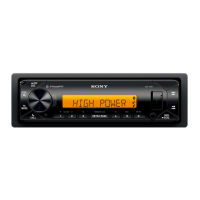
Rotate the control dial to select the setup category, then press it.
The items that can be set differ depending on the source and settings.
2
Rotate the control dial to select the options, then press it.
3


 To Next Page