Help Guide
Marine Audio
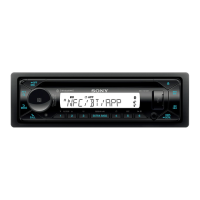
DSX-M80
Searching a Track by Name (“Quick-BrowZer”)
Not available when a USB device in Android mode or iPod is connected.
To exit the “Quick-BrowZer” mode
Press
(browse).
5-006-644-11(1) Copyright 2019 Sony Corporation
During USB or BT AUDIO
*1
playback, press
(browse)
*2
to display the list of search categories.
When the track list appears, press
(back) repeatedly to display the desired search category.
1
Available only for audio devices supporting AVRCP (Audio Video Remote Control Profile) 1.4 or above.
During USB playback, press and hold
(browse) for more than 2 seconds to directly return to the beginning of the category list.
*1
*2
Rotate the control dial to select the desired search category, then press it.
2
Rotate the control dial to select the desired track, then press it.
Playback starts.
3


 To Next Page