14
Displaying the Control Bar in
stop mode
The following displays appear when the
DISPLAY button is repeatedly pressed
during stop mode. You can make basic
adjustments and customize the player to suit
your viewing preferences.
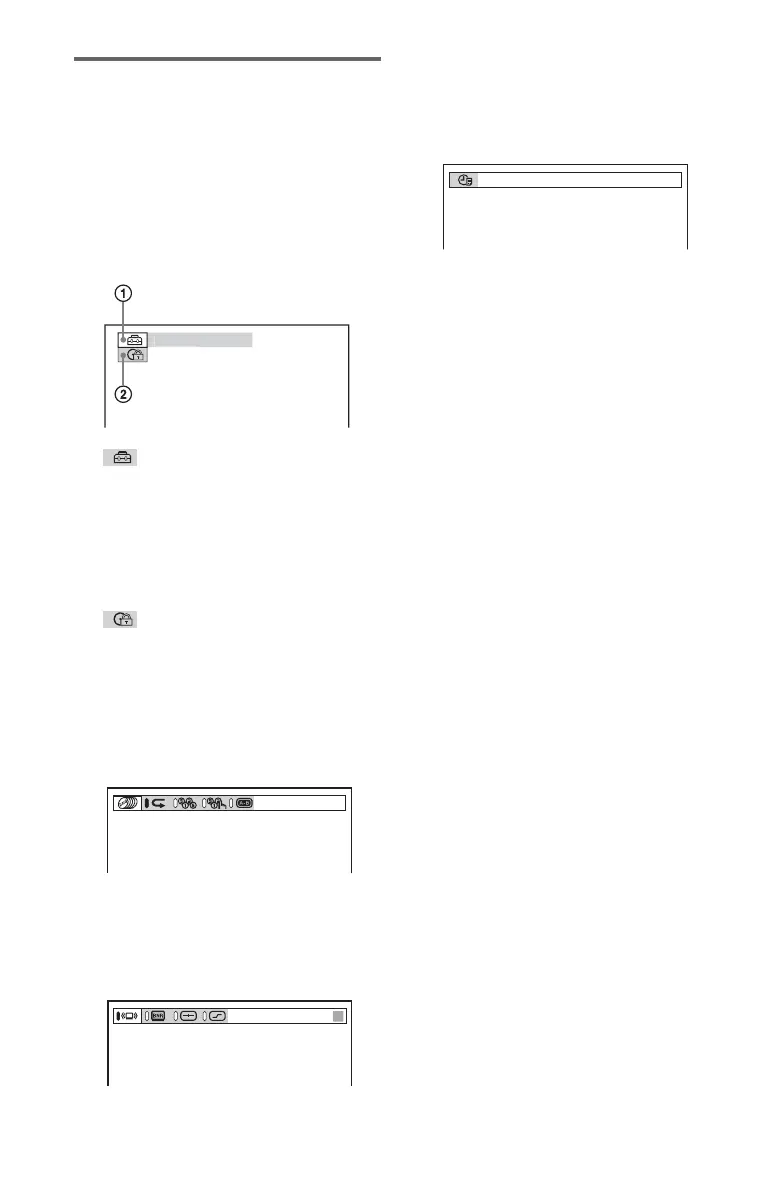
◆Display 1
The following settings can be made.
A SETUP (61)
• Select QUICK to make the minimum
number of basic adjustments for using the
player.
• Select CUSTOM to make a full range of
adjustments.
• Select RESET to return the
SETUP
adjustments to the default settings.
B PARENTAL CONTROL(55)
• Set this to limit the playback of selected
discs on this player.
m
◆Display 2
Shows the same information as Display 1
during playback.
m
◆Display 3
Shows the same information as Display 2
during playback.
m
◆Display 4
Shows the same information as Display 3
during playback.
m
◆No display
m
◆Return to Display 1
UICK
CHAPTER
T41
–
8
3:DVD T 1:01:57





 To Next Page