40
z The playing time and remaining time of the current
chapter, title, track, scene, or disc will also appear on
your TV screen. See the following section “Checking
the Playing Time and Remaining Time” for
instructions on how to read this information.
Note
Depending on the type of disc being played and the
playing mode, the above mentioned disc information
may not be displayed.
Checking the Playing
Time and Remaining
Time
You can check the playing time and
remaining time of the current title, chapter, or
track, and the total playing time or remaining
time of the disc. Also, you can check the
DVD/CD text recorded on the disc.
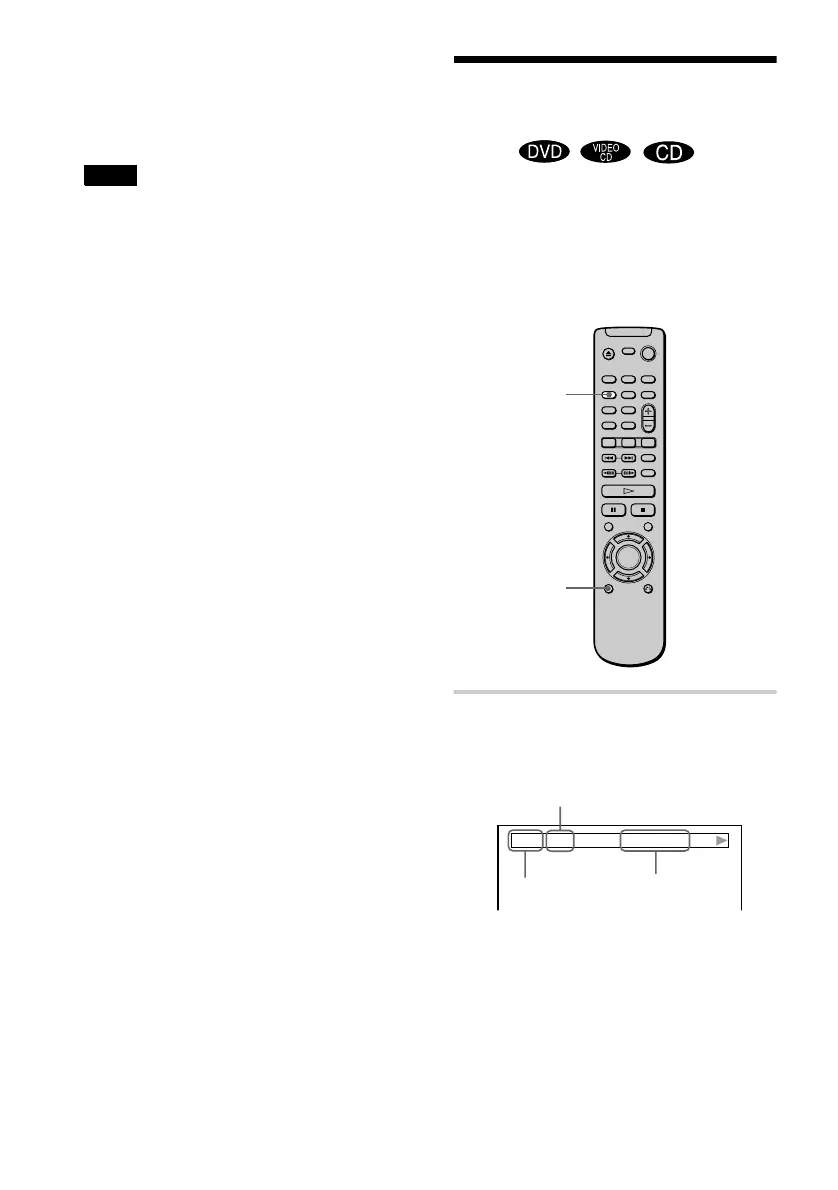
1 Press DISPLAY once during
playback.
The Status Bar is displayed.
TIME/TEXT
DISPLAY
Title or track number
Time information
Disc type






 To Next Page