Using Various Additional Functions
49
1 Press DISPLAY while the player is in
stop mode.
The Control Menu is displayed.
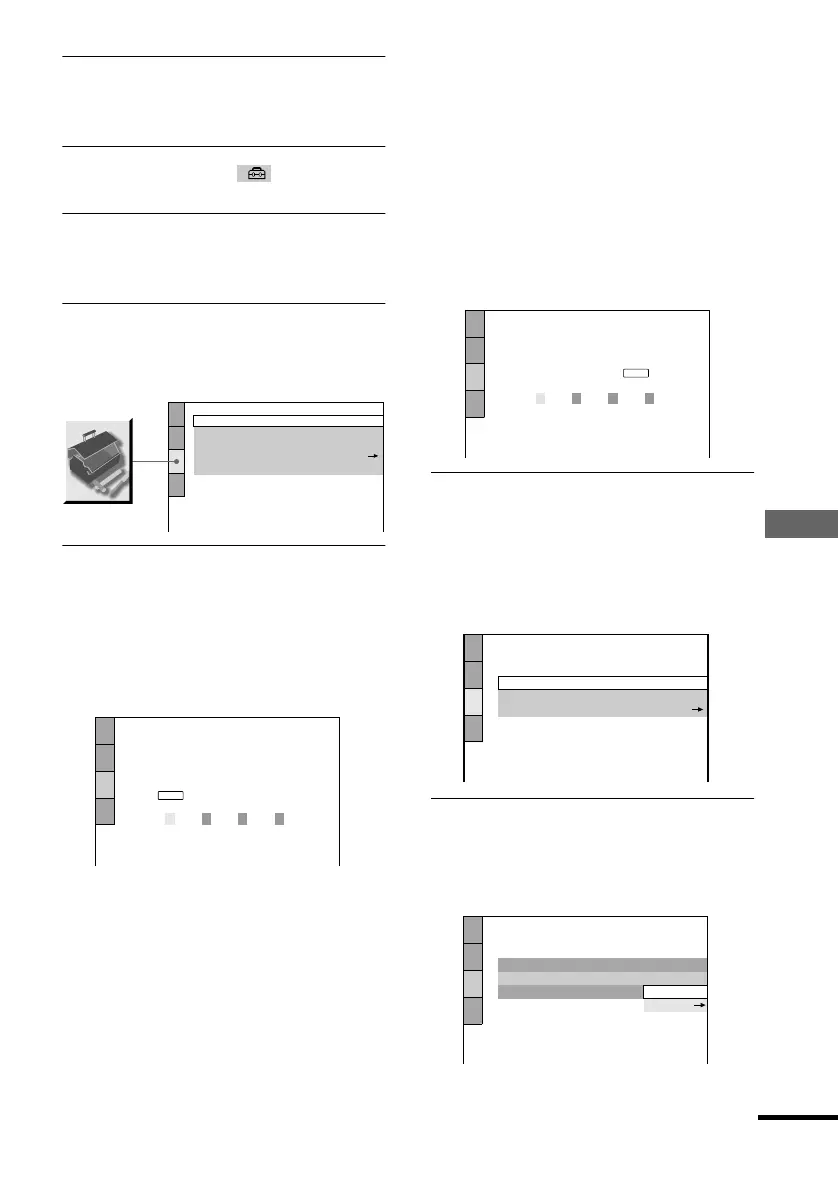
2 Press X/x to select (SETUP), then
press ENTER.
3 Press X/x to select “CUSTOM,” then
press ENTER.
The Setup Display appears.
4 Press X/x to select “CUSTOM SETUP,”
then press ENTER.
“CUSTOM SETUP” is displayed.
5 Press X/x to select “PARENTAL
CONTROL t,” then press ENTER.
xIf you have not entered a
password
The display for registering a new
password appears.
Enter a 4-digit password using by
pressing X/x to select the digit, followed
by c to move the cursor. Then press
ENTER.
The display for confirming the password
appears.
xWhen you have already
registered a password
The display for entering the password
appears.
6 Enter or re-enter your password using X/
x to select the digit, followed by c to
move the cursor. Then press ENTER.
The display for setting the playback
limitation level and changing the
password appears.
7 Press X/x to select “STANDARD,” then
press ENTER.
The selection items for “STANDARD”
are displayed.
CUSTOM SETUP
AUTO PLAY:
DIMMER:
PAUSE MODE:
OFF
BRIGHT
AUTO
TRACK SELECTION:
OFF
PARENTAL CONTROL
CUSTOM SETUP
PARENTAL CONTROL
Enter a new 4-digit password, then
press
.
ENTER
CUSTOM SETUP
PARENTAL CONTROL
Enter password, then press .
ENTER
CUSTOM SETUP
PARENTAL CONTROL
LEVEL:
OFF
STANDARD:
CHANGE PASSWORD
USA
CUSTOM SETUP
PARENTAL CONTROL
LEVEL:
OFF
USA
STANDARD:
CHANGE PASSWORD
USA
OTHERS
continued




 To Next Page