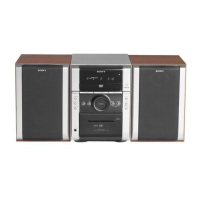
6
* MHC-RG4SR only
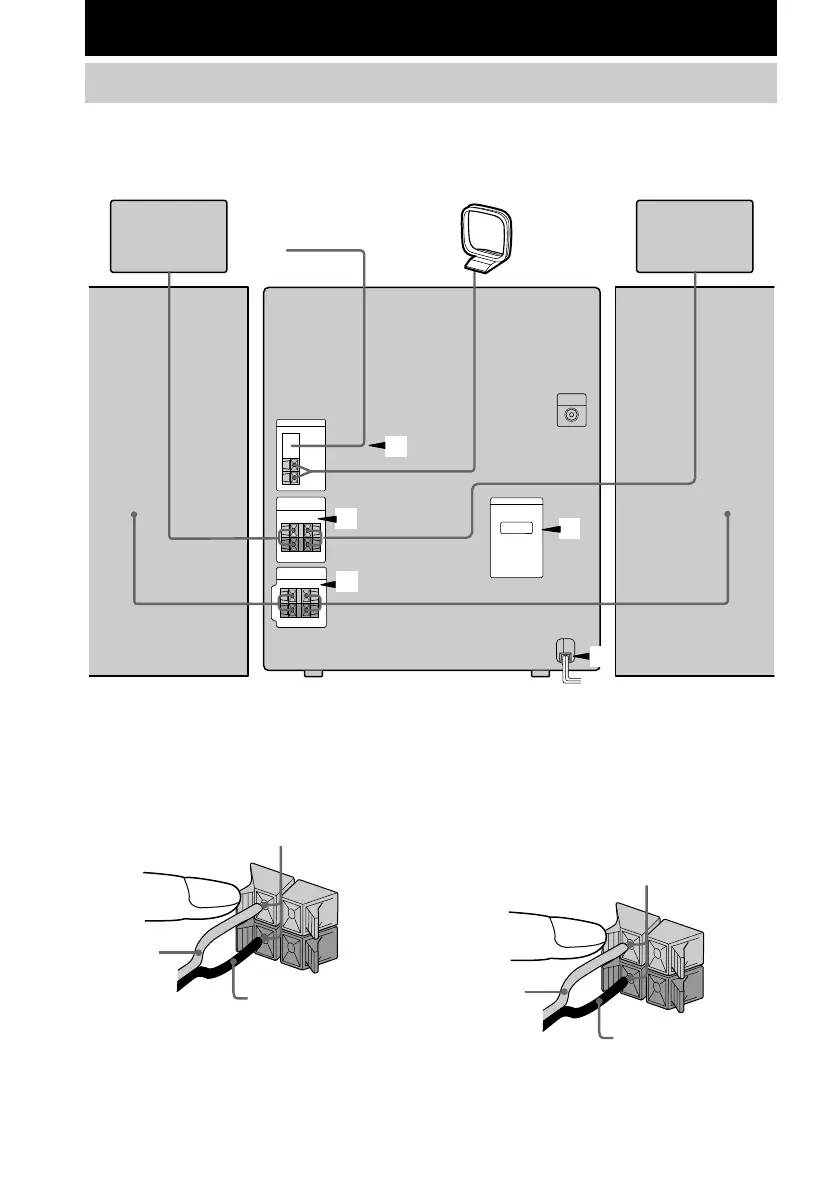
Surround speaker (Right)*
FM antenna
AM loop antenna
Surround speaker (Left)*
Front speaker (Left)
1 Connect the front speakers.
Connect the speaker cords to the SPEAKER
jacks as shown below.
R
+
L
+
–
Insert only the stripped portion
Red/Solid
(3)
Black/Stripe (#)
2 Connect the surround speakers.
(MHC-RG4SR only)
Connect the speaker cords to the
SURROUND SPK OUT PUT jacks as
shown below.
R
+
L
+
–
Getting Started
Hooking up the system
Perform the following procedure 1 to 5 to hook up your system using the supplied cords and
accessories.
3
5
4
2
1
Insert only the stripped portion
Red/Solid
(3)
Black/Stripe (#)
Front speaker (Right)



 To Next Page