Page22of27
Back
When the setup complete, click "OK" button to return to the
implementation for the appropriate functions.
3.11 Camera identification code
In the "functional camera code" menu, press the "left" "right" to
select "On" At this point the camera image will display the name of
executive function. Click "OK" button to enter the "camera code"
setting sub-menu, you can set the camera name.
You can set the camera code as numbers, uppercase letters, and
related symbols. The length of the names is 15 characters.
"Clear" is for removing the camera name.
"Location" name for the set position. Through the "up, down, left,
right" mobile name location, to determine a good location, then press
"OK" button to return the name of the Edit menu.
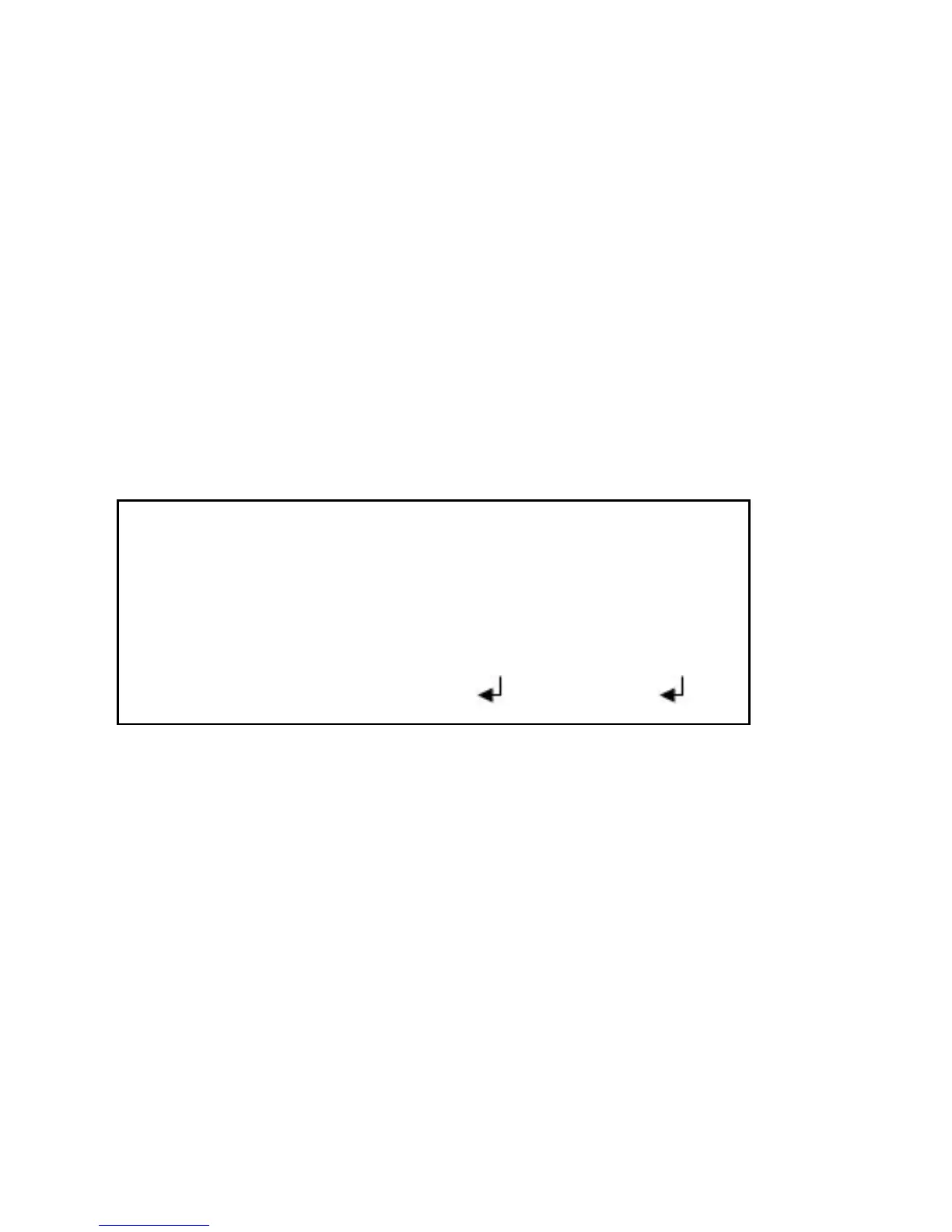
CAMERA ID
ABCDEFGHIJKLMNOPQRSTUV
WXYZ0123456789-!“#%$&
()——`¥,:;〈=〉?@\*.x+/
CHR1 CHR2
←↑↓→ CLR POS RETURN



 To Next Page