44 Basic Operations
Basic Operations
Note
Repeat the above-mentioned
procedure for each Remote
Commander if you are using more
than one Remote Commander. This is
because the setting is performed by
changing the signal emitted from each
Remote Commander, not by changing
the setting of the camera itself.
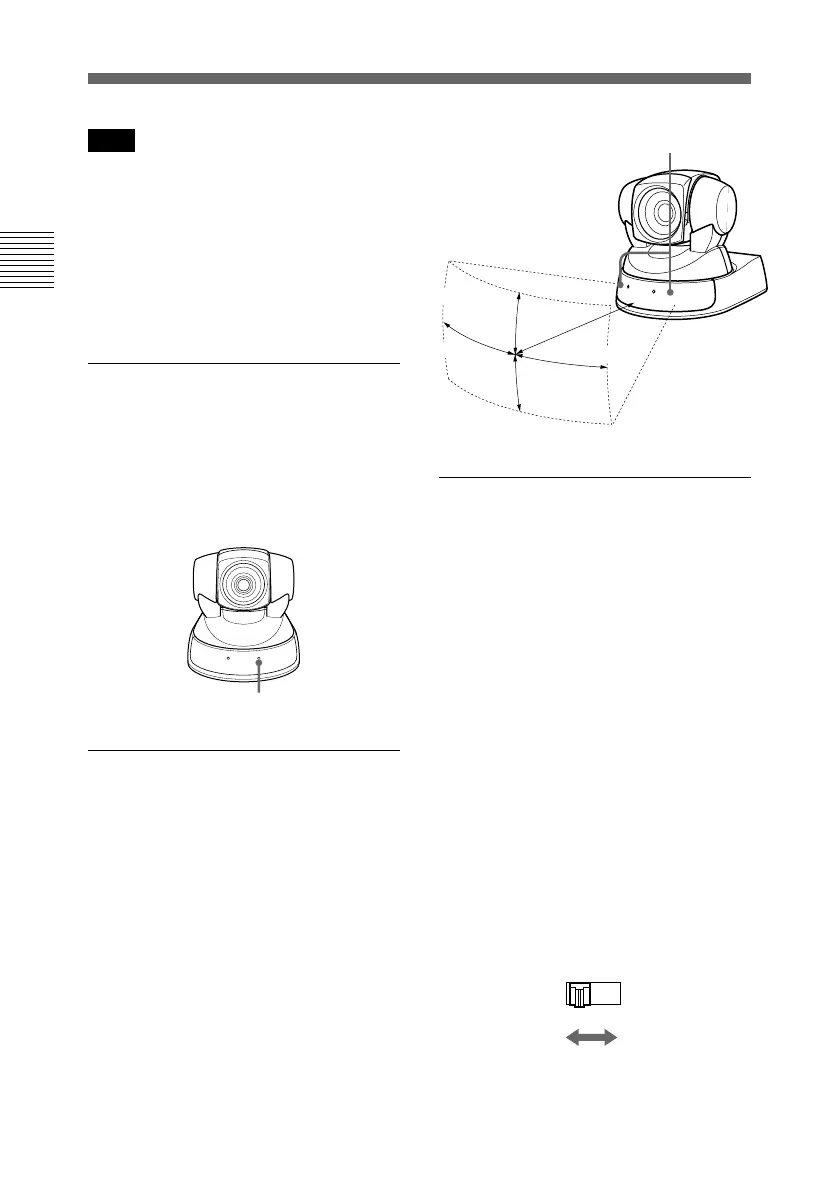
If the STANDBY lamp flashes
The micro computer inside the camera
might not memorize the current pan/
tilt position properly. Press the PAN-
TILT RESET button to reset the pan/
tilt position.
Operating range of the
Remote Commander
Use the Remote Commander within
the illustrated range, facing it toward
the sensor for the Remote
Commander. The POWER lamp
flashes while the main unit receives a
signal from the Remote Commander.
Flashes
Operating more than one
camera with the Remote
Commander
1 Set the IR SELECT switch (at the
rear of the main unit) of the
camera(s) which you intend to
operate to 1, 2 or 3.
2 Press a CAMERA SELECT
button (on the Remote
Commander) which corresponds
to the number set in step 1.
Then, you can operate the camera(s)
specified by number. Every time you
operate the camera(s) using the
Remote Commander, the CAMERA
SELECT button pressed in step 2
lights up.
IR SELECT
1 2 3
Sensor for the Remote Commander
20 degrees
7m
30 degrees
60 degrees
60 degrees
Pan/Tilt Operation


 To Next Page