72 Storing the Camera Settings in Memory — the Presetting Feature
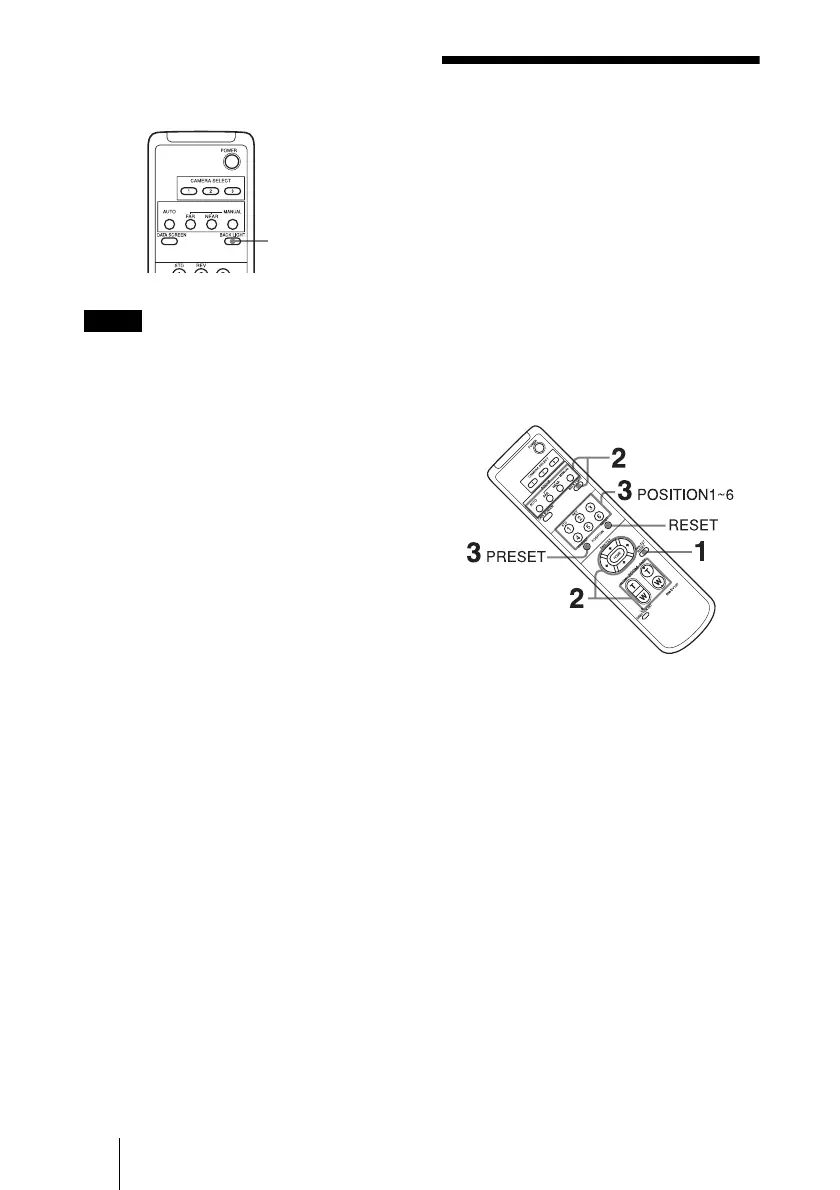
To cancel the function, press the BACK
LIGHT button again.
The BACK LIGHT function is not effective
if MODE is set to MANUAL in the
EXPOSURE menu of the camera.
Storing the Camera
Settings in Memory
— the Presetting
Feature
Up to six combinations of settings (six
positions) including camera position,
zooming, focusing, and backlighting, can be
preset.
For details of the camera settings to be
preset, see “Preset Items” (page 84).
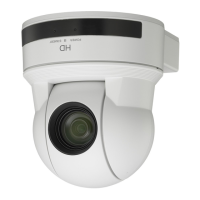
1 Press the PAN-TILT RESET button to
reset the pan/tilt position.
2 Adjust the position, zooming,
focusing and backlighting of the
camera (page 69 to page 71).
3 While holding down the PRESET
button, press any of the POSITION
buttons, 1 to 6, in which you want to
store the settings.
Note
Subject
appears
brighter.


 To Next Page