DXC-990/990P
3-205-543-12 (1)
D:\Nouhin\W00007\3205543121\320554312DXC990UC\02GB-
DXC990UC\04ADJ.fm
masterpage:Left
GB
22
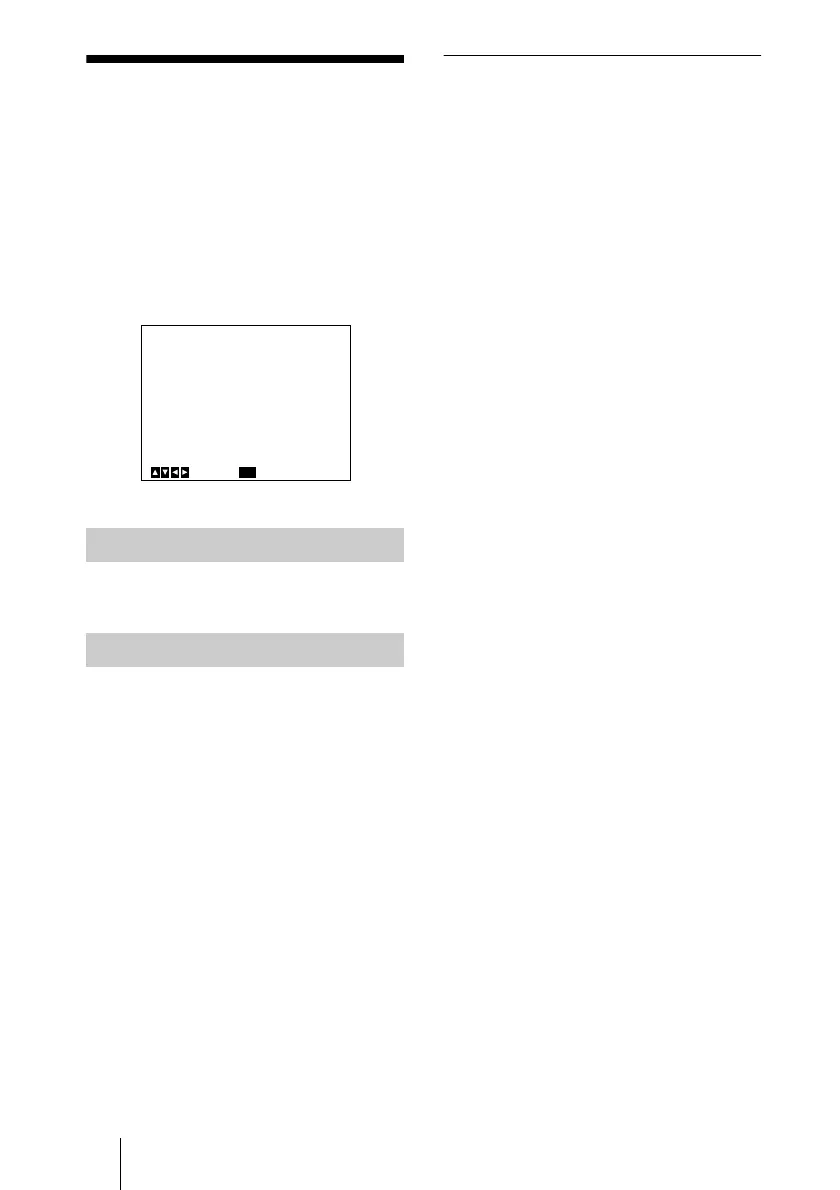
SCENE FILE Menu
SCENE FILE Menu
The SCENE FILE is used to set the preset
menu settings.
The camera has two memory files (A or B)
for storing the menu settings. You can store
a different type of setting into each file, and
switch to the file most suitable for the
shooting conditions quickly. The currently
selected memory file is shown in the upper
right corner of the on-screen menu.
Selects the file A or B.
Selects the setting to be stored into the file
you select with FILE SELECT, and stores
the setting.
STANDARD: Suitable for a camera used as
a permanent fixture.
MICROSCOPE: Suitable for a camera for
a microscope.
FULL AUTO: Automatically adjusts
settings.
STROBE: Suitable for stroboscopic
shooting.
FILE B (or A): When copying the settings
between two files.
To store the setting
1 Select A or B into which the setting is
stored in the FILE SELECT setting.
2 Press the V or v button to select LOAD.
3 Press the B or b button to select the
desired setting to be stored, and press the
ENTER button.
“Overwrite OK?” appears.
4 Press the ENTER button.
If you do not want to store the setting,
press the MENU button.
FILE SELECT
LOAD
<SCENE FILE>
>FILE SELECT
LOAD
[A]
A
Select Back
MENU



 To Next Page