[85] Using the camera connected to other devices via Wi-Fi
Connecting to your smartphone
Connecting to a smartphone using ID/password
(Android device)
Perform preparation for connecting to your smartphone before connecting.
Press the MENU button on the camera.
1
Press the UP button or DOWN button to select
(Camera Settings) - (Wi-Fi
connection setting) -
, then press the REC/ENTER button.
2
Select the shooting mode (
/ / / ).
3
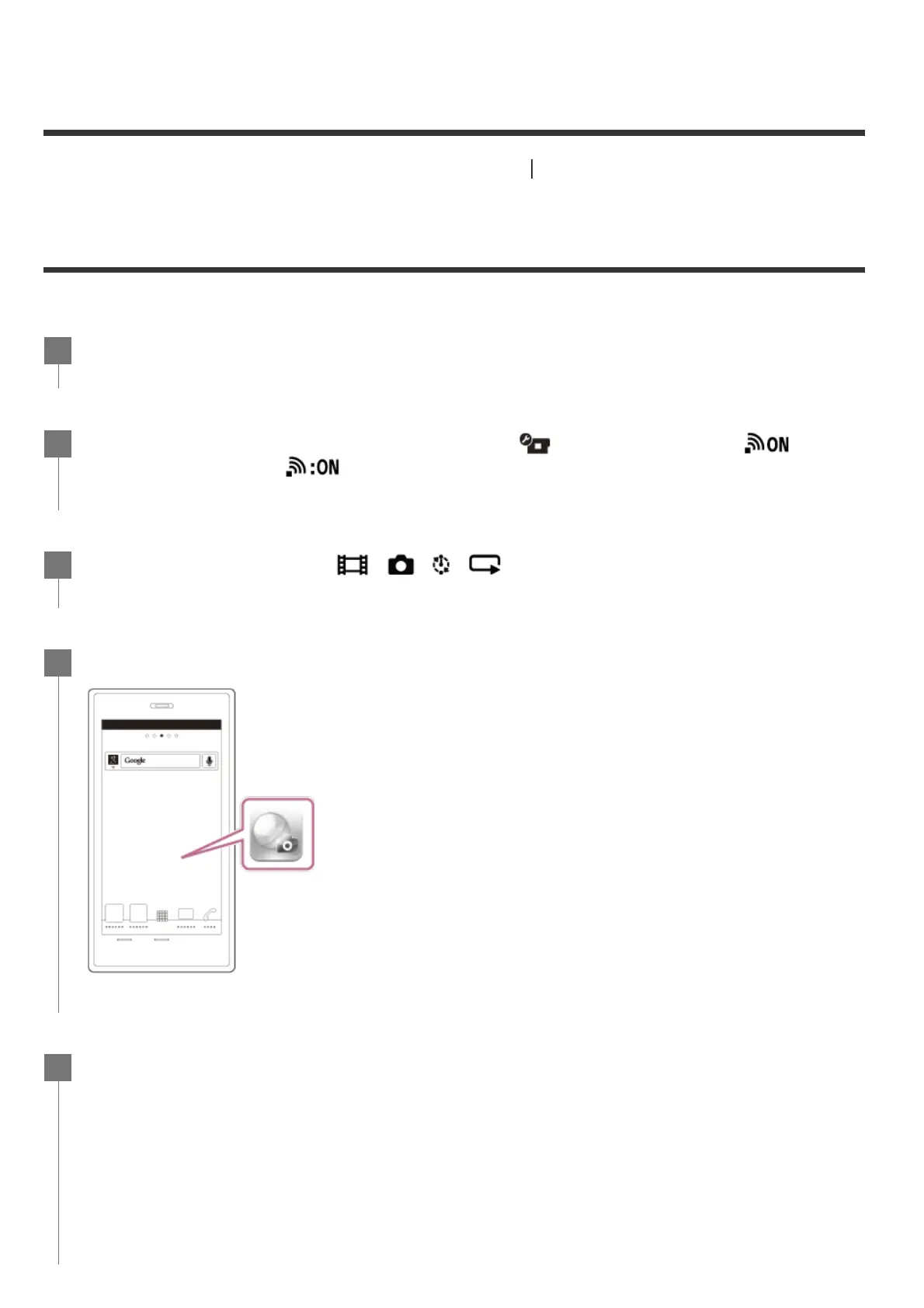
Start PlayMemories Mobile on the smartphone.
4
Select the SSID that is printed on a sticker attached to the rear of the camera's
battery cover.
5



 To Next Page