Note
When Airplane mode is set to ON, the Wi-Fi function is not available.
Depending on local electrical interference or the smartphone’s capabilities, the live view images may not be
displayed smoothly.
[86] Using the camera connected to other devices via Wi-Fi
Connecting to your smartphone
Connecting to a smartphone using ID/password
(iPhone/iPad)
Perform preparation for connecting to your smartphone before connecting.
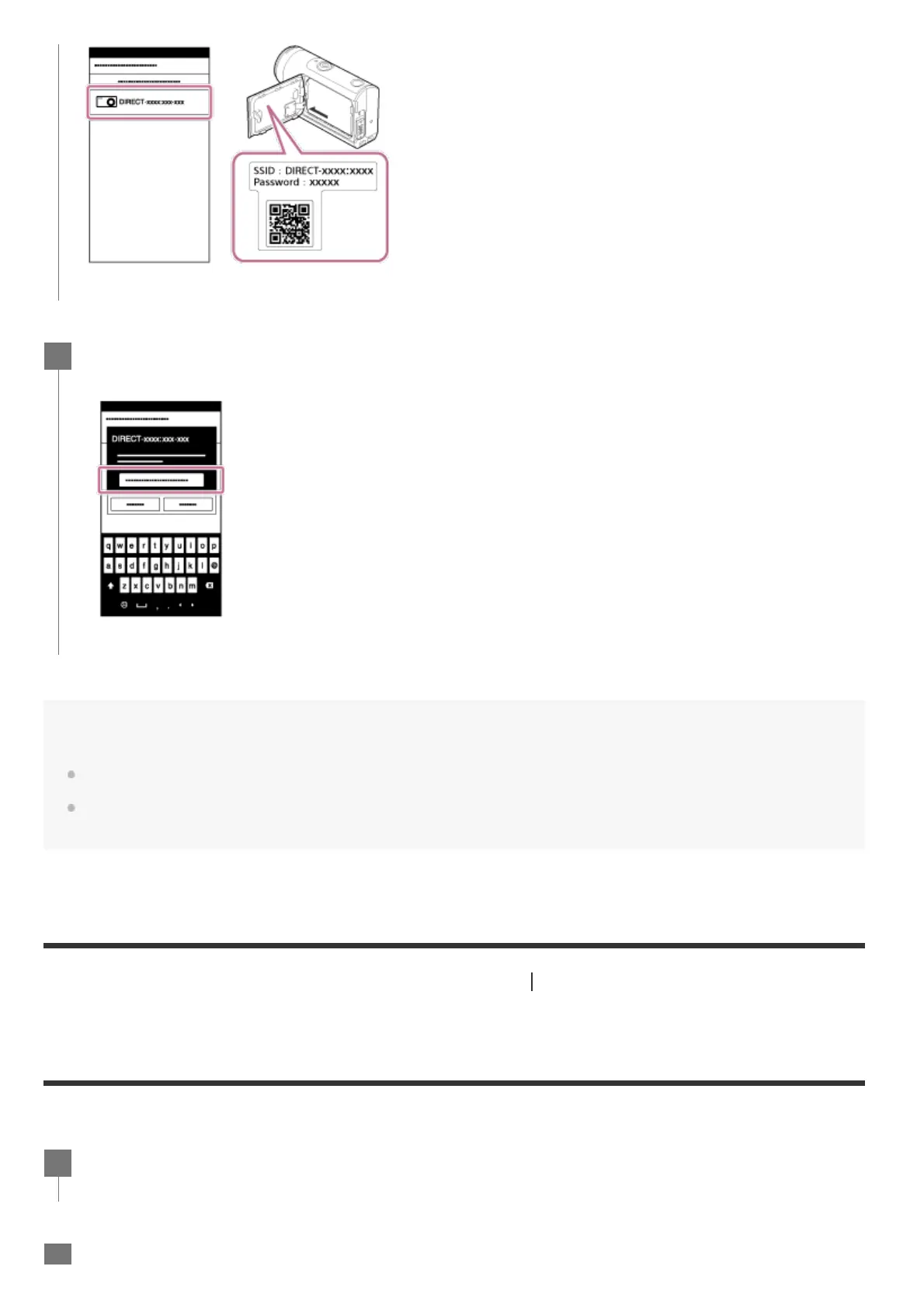
Enter the password printed on the sticker attached to the rear of the camera's
battery cover (only for the first time).
6
Press the MENU button on the camera.
1
Press the UP button or DOWN button to select (Camera Settings) - (Wi-Fi



 To Next Page