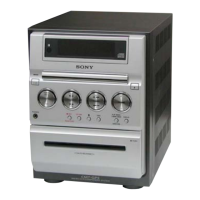
Optional Components
23
GB
Tip
If you cannot select “VIDEO” by pressing
FUNCTION on the remote repeatedly (or MD
(VIDEO) on the unit), turn off the system and then
press ?/1 while holding down MD (VIDEO) on the
unit. The function will change from “MD” to
“VIDEO”, and “VIDEO” will appear in the display. To
change back to “MD”, repeat the same procedure.
However, you cannot switch the MD (VIDEO)
function in Power Saving Mode.



 To Next Page