OUTLINE OF SELF DIAGNOSIS FUNCTION
The units in this manual contain a self-diagnostic function. If an error occurs, the STANDBY LED will automatically begin to flash.
The number of times the LED flashes translates to a probable source of the problem.
A definition of the STANDBY LED flash indicators is listed in the instruction manual for the user’s knowledge and reference.
If an error symptom cannot be reproduced, the remote commander can be used to review the failure occurrence data stored in memory to reveal past problems and how often these
problems occur.
10
SELF DIAGNOSIS FUNCTION
ABOUT ILLUMINAITION LED
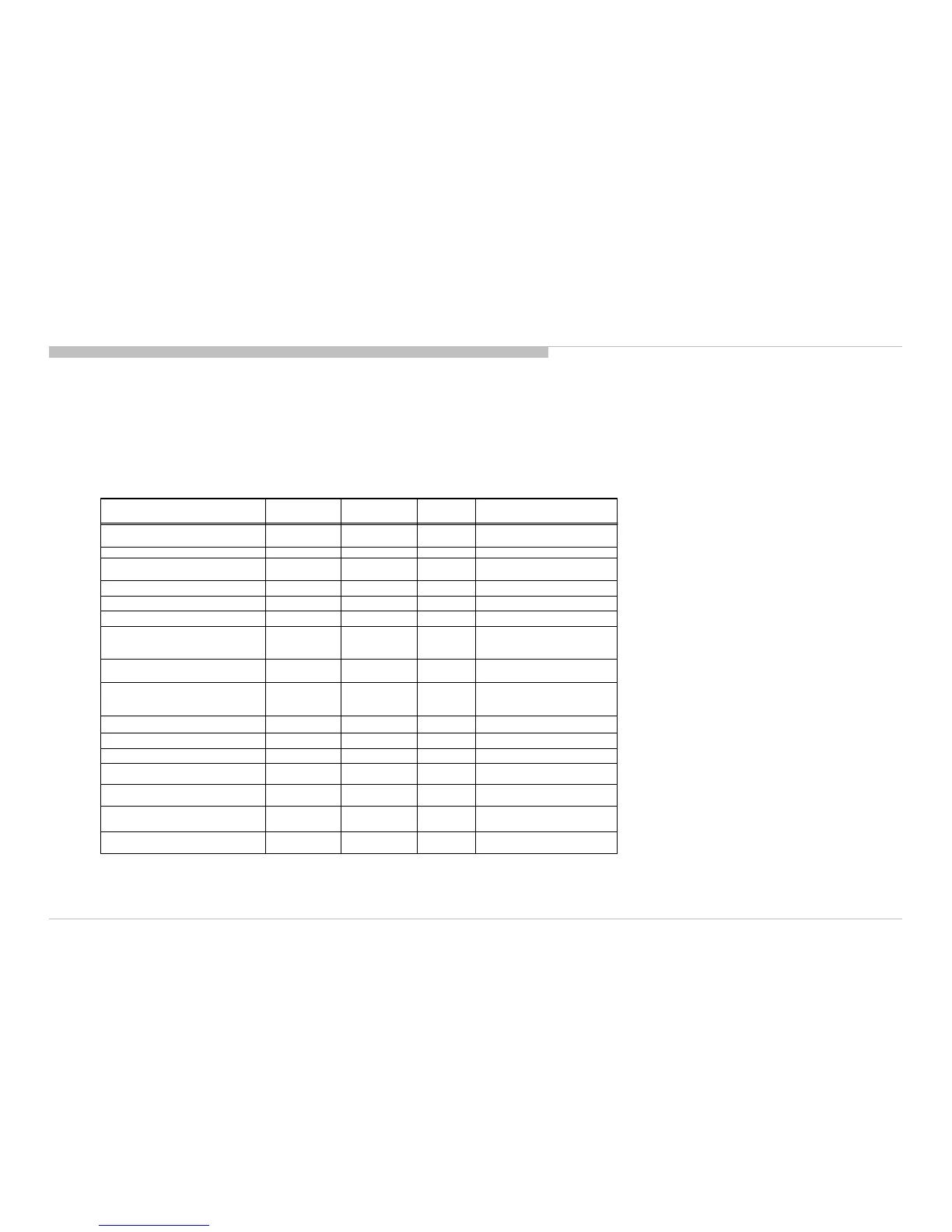
KDL-50W800C, 805C, 807C, 809C/KDL-55W800C, 805C
Status
LED
Remarks
Power Off
( by power saving switch off and *1)
Off Off Off
*1 power switch off (by side key)
Power On White Off Off
STBY/i.LINK STBY/PC STBY
( by remote control off only )
Off Off Off
Picture Off White looping White one shot
Off
Device Connection White Cyan one shot Off
Power ON Animation White White one shot
Sleep Timer/On Timer/Reminder/REC
Timer/Photo Frame
( Power On )
White
Amber
Off *2 One Shot is only user action.
On Timer/Reminder/REC Timer
( Deep Standby )
Off Off Amber
After 5 minutes, side amber LED
On
Self Diagnosis Off
Red
Blinking
Off
The number of LED blinking
indicates cause of failure
Aging mode White Green Blinking Off Blinking:0.5sec On / 0.5sec Off
Software Updating white blinking white blinking off
Software Updating finish White Blue lit off
Test Reset White white blinking
Amber
blinking
Error of panel ID White
Green /Amber
Blinking
Off Blinking:0.5sec On / 0.5sec Off
REC (SCART REC & HDD REC/LIVE
PAUSE) [AEP/J only]
White
Red(Pink)
Off *2 One Shot is only user action.
ePOP/
Shop Illumination
White Cyan loop Off
One shot Center White when
feature change








 To Next Page