29
ADJUSTMENT
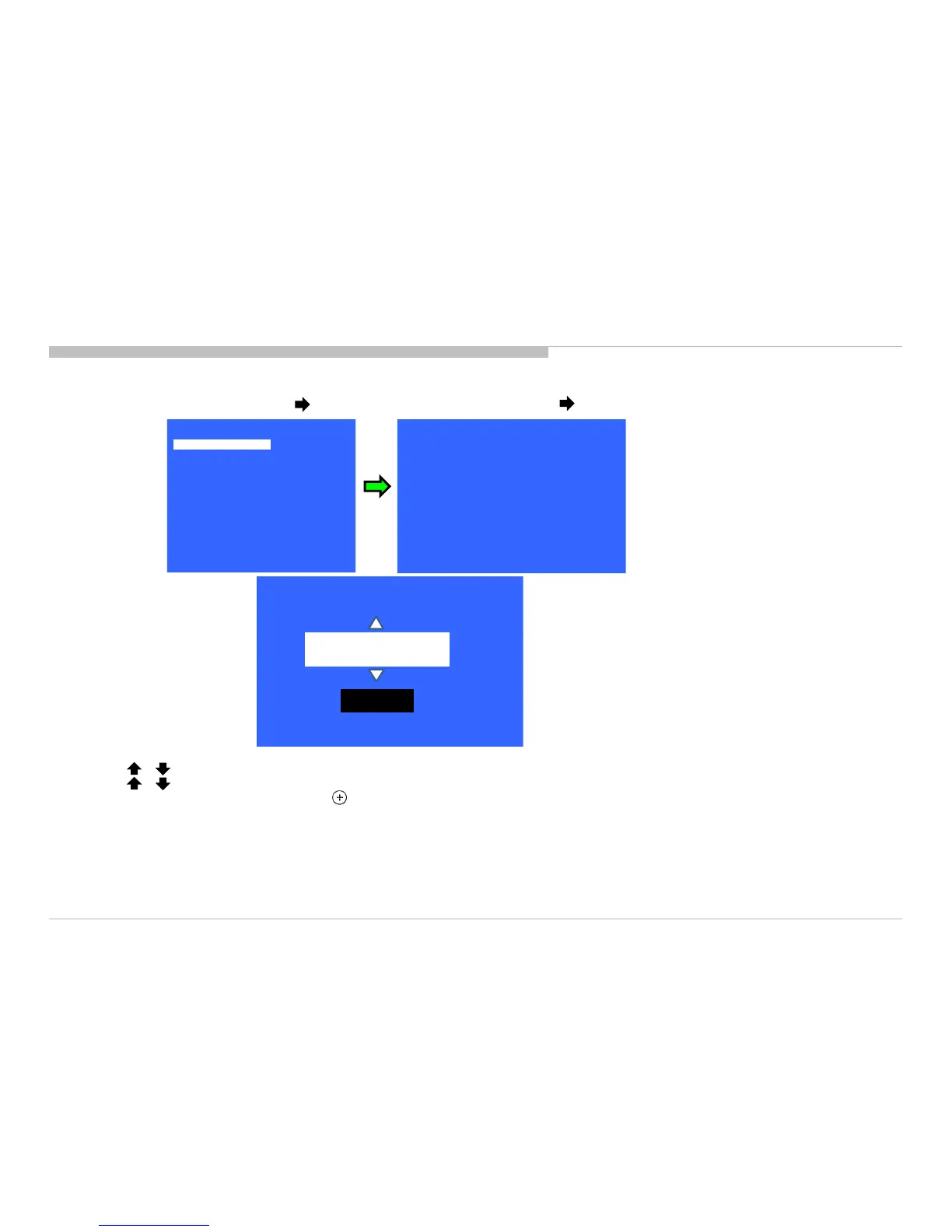
ACCESSING MODEL NUMBER SETTING
1) In Service Mode, select “Model” pressing button. Select “Model Number Setting” pressing button.
2) Press or button on Remote to input numbers.
3) Press or arrow key to Product Name Candidate. (e.g. KDL-40X500B CO1, KDL-40X500C BR6)
4) Select one Product Name from the LIST, press (Enter) will pop dialog to inform user to confirm data.
5) Press “OK” button to select YES or No.
Select OK if input data is correct.
Select NO if input data is incorrect.
Press <Enter> to save answer.
Model dependent settings will be overwritten into EEPROM.
KDL-50W800C, 805C, 807C, 809C/KDL-55W800C, 805C








 To Next Page