28 28
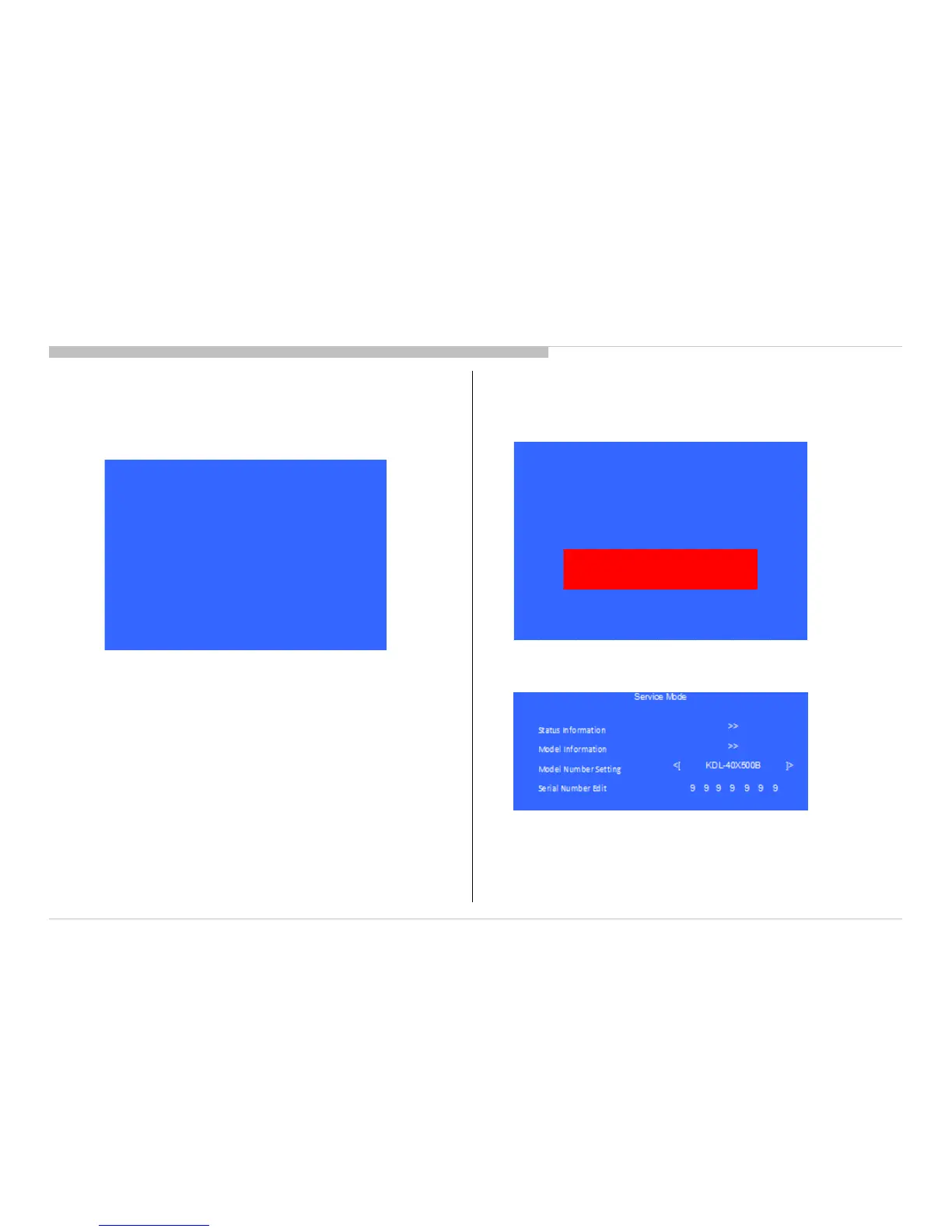
4) If “Yes” is selected, the input data is saved into EEPROM.
“Serial Number Edit” is grayed out and the serial number that
has been input is displayed.
User will not able to edit anymore.
ADJUSTMENT
5) If “No” is selected, the input data is not saved into EEPROM.
The serial number that has been input is displayed.
User can still edit the Serial Number.
Note: * The font color of “No” is change to black when it is selected.
Note: * The font color of “Serial Number Edit” is white after “No” is selected.
KDL-50W800C, 805C, 807C, 809C/KDL-55W800C, 805C









 To Next Page